How to Work with Constant Contact: A Beginner’s Guide

Constant Contact

One well-known email marketing tool that helps companies engage with their audience, create connections, and get results is Constant Contact. Whether you run a nonprofit organization or a small business, using Constant Contact can help you increase the efficacy of your campaigns and streamline your marketing. Here’s where to begin.

Set Up Your Account

Setting up your Constant Contact account is the first step. Visit their website to select a membership package that suits your needs or to join up for a free trial. To help the platform customize your experience, you will choose the kind of marketing you want to undertake and enter basic business information during setup.
Set Up Your Account

Build and Manage Your Contact List

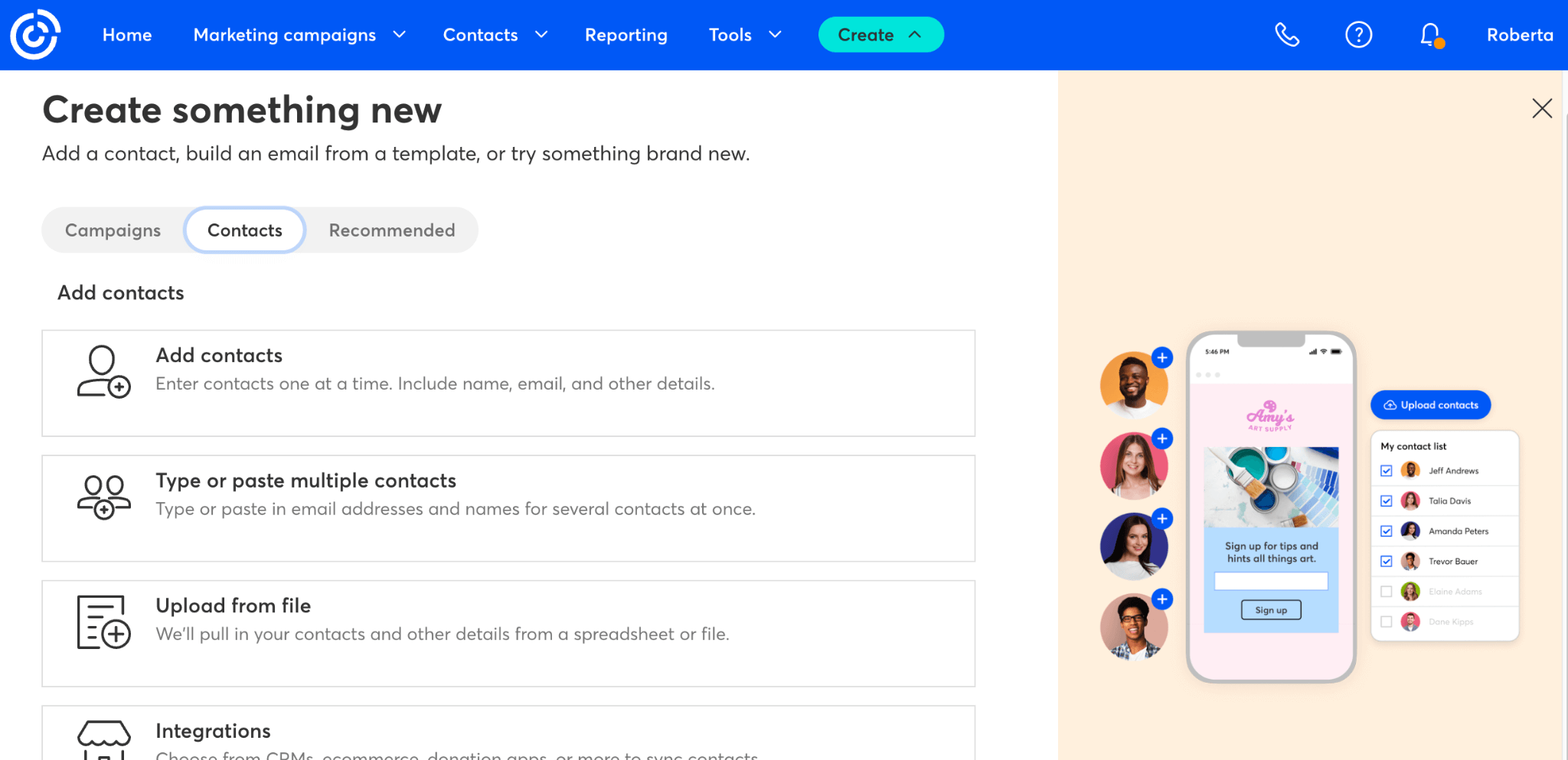
Concentrate on expanding your contact list as soon as your account is prepared. You can import your current contacts from Gmail, Excel files, and other sources using Constant Contact. Additionally, you can divide up your list according to factors like behavior, interests, or demography. You can make landing pages and sign-up forms for new contacts in order to generate leads via your website or social media accounts.

Create Engaging Campaigns

Making your first email campaign comes next after you have your list in place. Even for those without design skills, the platform’s drag-and-drop editor is simple to use. Starting with one of the numerous editable templates, you can add your brand’s colors, text, images, call-to-action buttons, and logo to make it uniquely yours. Every email you write is mobile-friendly, guaranteeing a seamless reading experience across all platforms.

Automate Your Marketing

Use automation features to increase the effectiveness of your email marketing. With Constant Contact, you can create email sequences that start when certain activities, like clicks or purchases, are taken, or you can set up welcome letters for new subscribers. This guarantees prompt communication with your audience and helps you sustain engagement with little work.

Analyze and Optimize Performance

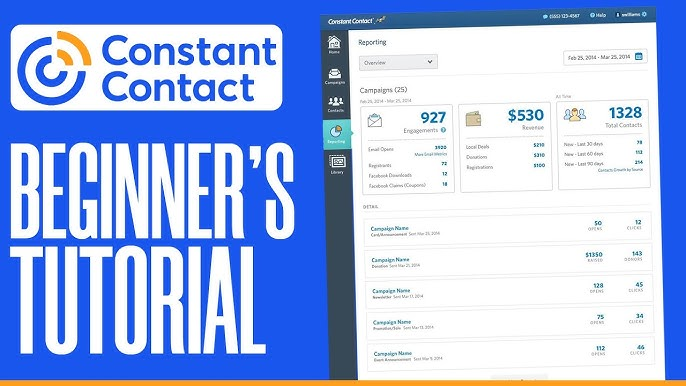
Reviewing the results of your campaign is crucial after it has been sent. Open rates, click-through rates, bounce rates, and unsubscribes are among the comprehensive data offered by Constant Contact. You can learn what’s working and where you may make improvements with the aid of these metrics. To determine whether subject lines, photos, or material elicit the best reaction, you can also conduct A/B tests.
A Beginner's Guide

Expand Beyond Email

Reviewing the results of your campaign is crucial after it has been sent. Open rates, click-through rates, bounce rates, and unsubscribes are among the comprehensive data offered by Constant Contact. You can learn what’s working and where you may make improvements with the aid of these metrics. To determine whether subject lines, photos, or material elicit the best reaction, you can also conduct A/B tests.

Conclusion

In conclusion, anyone wishing to develop their brand and preserve deep connections with their audience would find Constant Contact to be simple and incredibly successful. Every feature, from account setup and contact list management to campaign creation and performance analysis, is made to be both impactful and easy to use. Constant Contact offers the resources you need to be successful, regardless of your level of experience or desire to improve your marketing strategy.

How to Build a Stunning Website on Squarespace: A Step-by-Step Guide

How to Build a Stunning Website on Squarespace: A Step-by-Step Guide

Without knowing a single bit of code, anyone can create a professional-looking website with Squarespace, which is known for its beautiful templates and user-friendly interface. If you’re ready to take your brand or personal project online, here’s a comprehensive step-by-step guide to help you build a stunning website using Squarespace. Creating a website can be overwhelming, especially if you’re not a tech expert.

Sign Up and Choose a Template

The first step is to register for a Squarespace account. Go to their website, enter your email address, and start a free trial. You’ll be asked to select a template after logging in. Squarespace has a large selection of expertly created templates that are appropriate for many uses, such as creating an online business, blog, or portfolio. Spend some time looking over the designs and pick one that best suits the objectives and personality of your company. Keep in mind that templates are only places to start; you can change everything later.

Sign Up and Choose a Template

Add Essential Pages to Structure Your Website

You can start adding pages in the site editor after selecting a template. Consider your website’s structure. A homepage, a about page, a services or portfolio page, a contact page, and occasionally a blog are all common features of websites. Every page has a function, so think about the information your visitors require and the actions you want them to perform. You only need to click a button in the Pages menu to add pages, and you can rearrange them or make subpages according to your tastes.

Customize the Design to Match Your Brand

It’s time to alter the look of your website after your pages are set up. Squarespace’s Style Editor simplifies this step. You can add your logo and alter the fonts, colors, and spacing. This is your opportunity to align your brand identity with the look of your website. To keep the entire website looking the same, stick to a consistent color scheme and font selection. Upload any creative designs or expertly taken pictures you have to give your website a polished appearance. Especially for novice builders, a simple, uncomplicated layout is frequently the most effective.

Customize the Design to Match Your Brand

Add Engaging Content and Optimize for SEO

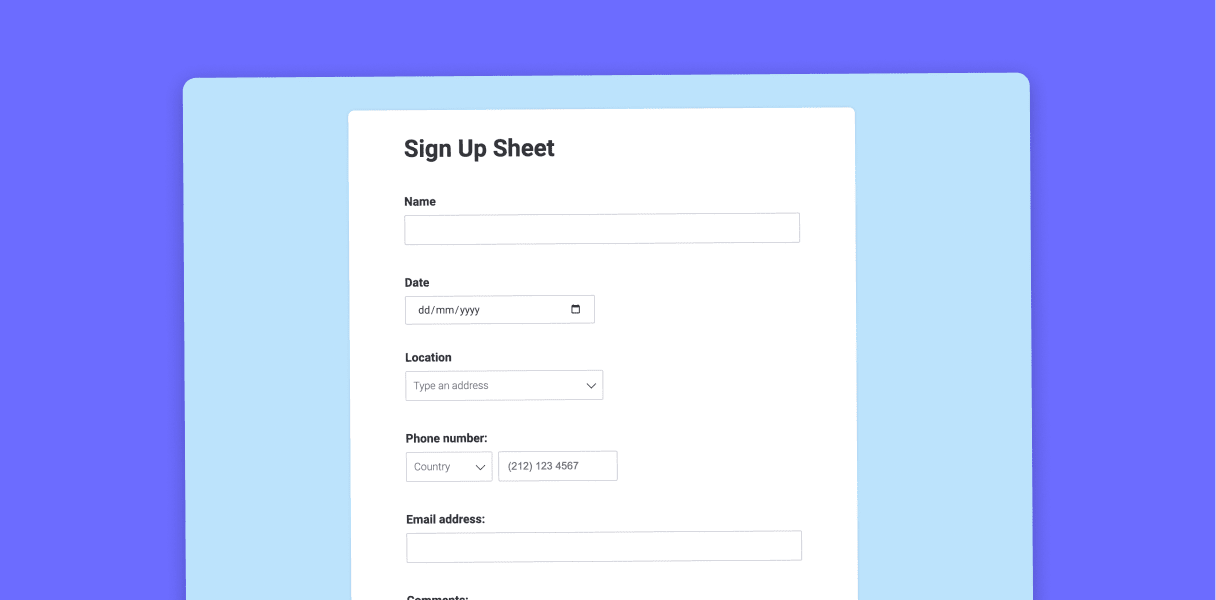
The next step after creating your design is to fill each page with content. You may add text, photos, videos, buttons, and forms using the user-friendly drag-and-drop editor. Create readable and captivating language that outlines your brand, services, and contact information. Verify that your contact details are easily accessible and that any contact forms are functioning correctly. Think about making your website search engine friendly as you add content by using pertinent keywords and crafting insightful meta descriptions.

Preview and Optimize for Mobile Devices

Preview your website on various devices, particularly mobile ones, after the content is complete. Your layout must work effectively on smaller displays because the majority of visitors will be using their phones to browse your website. Although Squarespace’s templates are responsive to mobile devices, make sure to check for formatting errors and modify content blocks as necessary.

Preview and Optimize for Mobile Devices

Connect a Domain and Publish

Lastly, a domain name is required. Squarespace allows you to link an existing domain or register a new one instantly through their platform. Go ahead and publish your website once everything is in order and you are satisfied with the outcome. Congratulations! Your stunning new website is now operational.

NordVPN vs ExpressVPN: Which One Should You Trust in 2025?

NordVPN vs ExpressVPN

Choosing the perfect VPN in 2025 can be like choosing between two blockbuster hits: Both are excellent, but which one best suits your needs? If you’re deciding between NordVPN and ExpressVPN, you’re not alone. These two have been at the forefront of the VPN battle for years, and while they have some similarities, the distinctions are significant, depending on what you’re looking for.

Speed and Performance

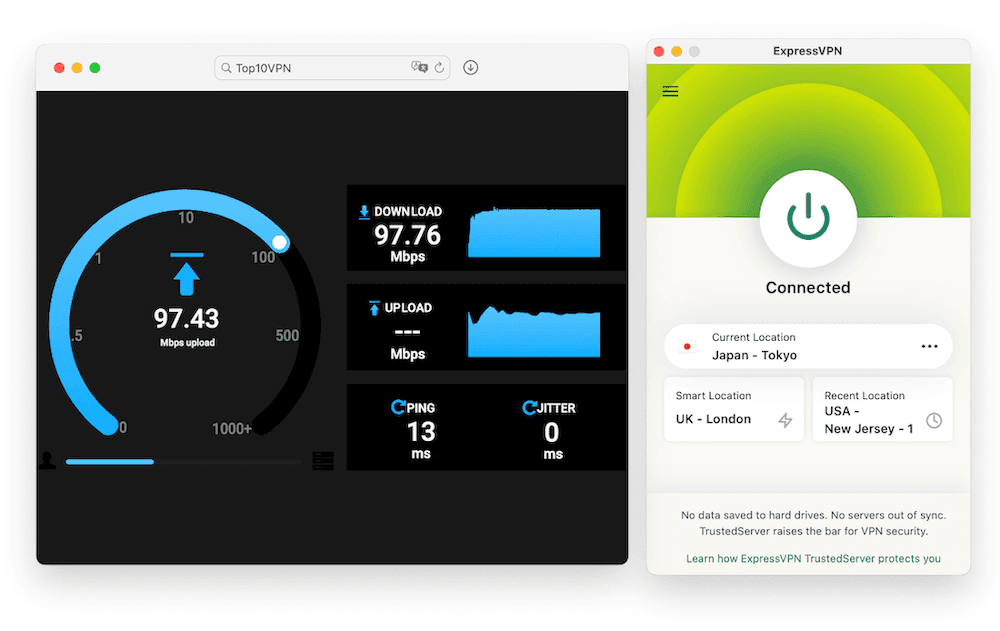
Let’s begin with speed because no one wants a VPN that slows everything down. NordVPN has a significant advantage here because of its NordLynx protocol. It’s based on WireGuard and tuned for lightning-fast performance. Whether you’re streaming 4K, downloading huge files, or gaming online, it performs admirably. ExpressVPN uses its own Lightway protocol, and while it’s seamless and dependable, NordVPN is usually faster, especially when connecting to servers farther away.

Speed and Performance

Privacy and Security

NordVPN and ExpressVPN take data security very seriously. They use AES-256 encryption and have strong no-log standards. NordVPN goes above and beyond by offering features such as Double VPN, Onion over VPN, and Threat Protection, which actively prevents trackers and harmful websites. ExpressVPN keeps everything neat and simple, focused on performing the fundamentals exceptionally well. Both are headquartered in privacy-friendly jurisdictions—Panama for Nord and the British Virgin Islands for Express—so your data is secure and out of reach.

Streaming and Unblocking

If you want to unblock Netflix or stream BBC iPlayer from anywhere, any VPN is a fantastic choice. ExpressVPN is known for its high level of consistency when it comes to streaming. You rarely need to switch servers to find one that works. NordVPN also handles streaming effectively, though it does take some trial and error to find the ideal server. Once you’re in, the experience is seamless, with no buffering or pauses.

User Experience

ExpressVPN excels when it comes to simplicity. The app is simple, user-friendly, and does the job without making you think too much. It’s ideal for those who simply want to press a button and feel safe. NordVPN, on the other hand, has a more extensive feature set. Its UI is more complex, which is wonderful if you prefer having more control over your settings, but it may take some time to adjust if you’re new to VPNs.

User Experience

Pricing and Value

This is where NordVPN stands out for many people. It is more economical, especially if you commit to a longer-term plan. The company frequently offers promotions that provide additional months for free, making it a sound investment. ExpressVPN’s pricing is obviously on the expensive side. You spend a little more for a smoother experience but not necessarily for additional features.

Final Thoughts

Overall, NordVPN and ExpressVPN are excellent picks. If you’re looking for speed, advanced features, and better value for money, NordVPN is undoubtedly the superior option. However, if you like simplicity, consistency, and high-quality streaming performance, ExpressVPN will not disappoint. It depends on what is most important to you.