







The Rise of AI in Everyday Tools

The Rise of AI in Everyday Tools

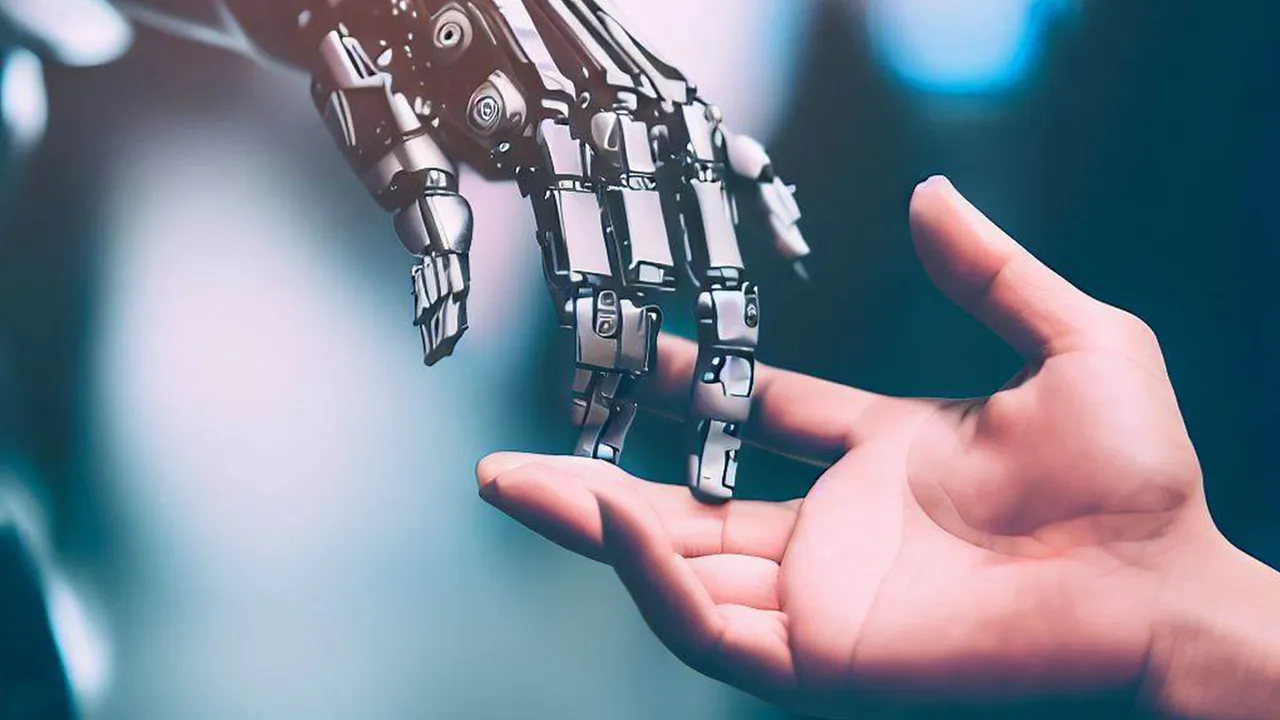
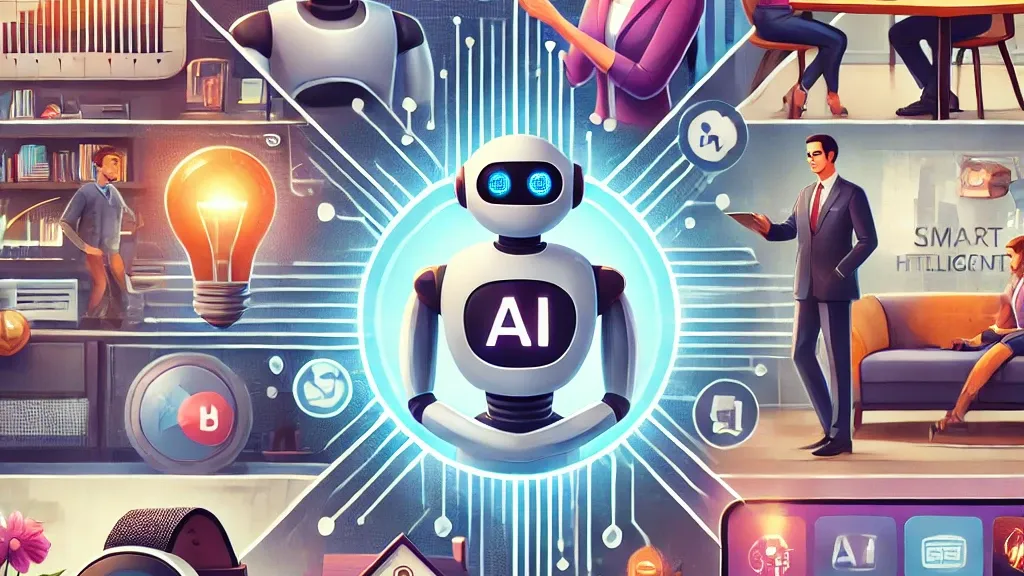
Nowadays, artificial intelligence (AI) is more than simply a catchphrase or an idea found only in high-tech labs and science fiction films. It’s subtly changing our daily lives in ways we might not even be aware of at first. AI is enabling the smarter, faster, and more intuitive tools we use daily, from the smartphone in your pocket to the smart assistant in your living room.

Smarter Phones and Apps

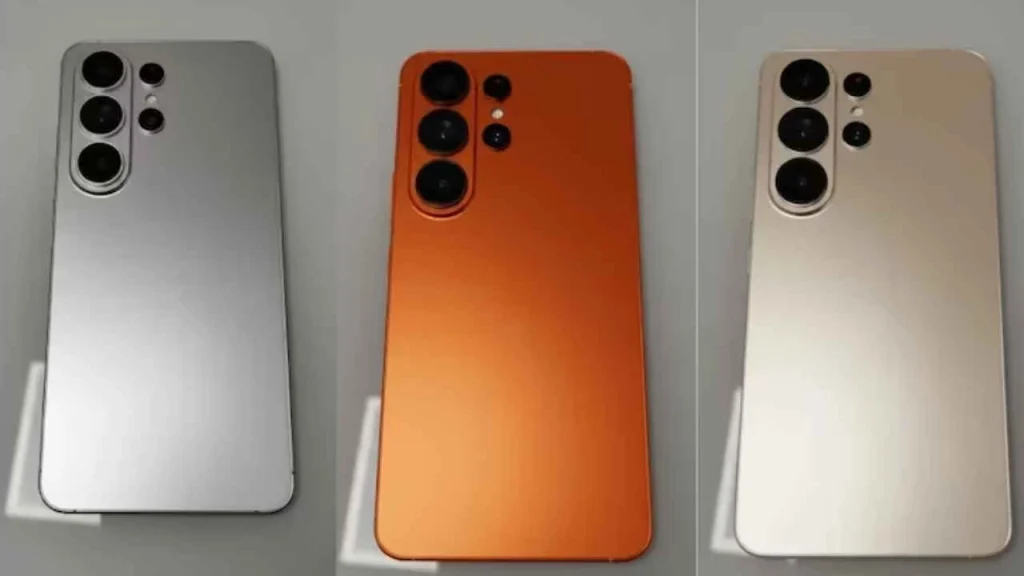
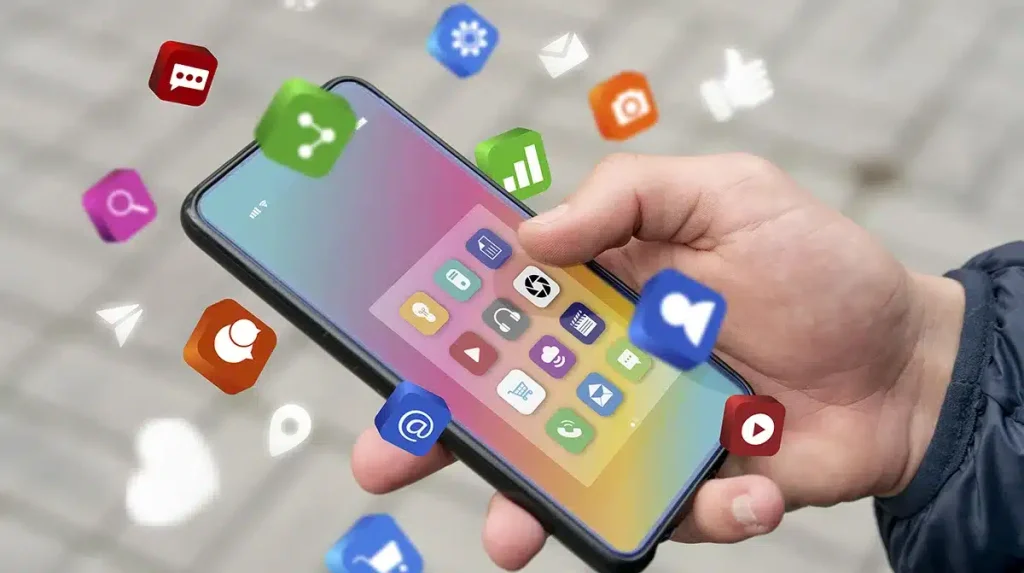
The majority of us carry around a small AI powerhouse. AI-powered features abound in contemporary cellphones. Real-time assistance is provided by voice assistants that comprehend natural language, such as Siri and Google Assistant. Photo programs automatically categorize and enhance images. Predictive text and smart replies save time while composing messages. AI systems that learn your usage patterns even optimize your battery.

AI in Homes

Gradually adapting settings to your daily schedule without requiring continuous human input. Another area where AI is flourishing is smart houses. AI is used by gadgets like the Amazon Echo and Google Nest to understand voice commands and do everyday chores, such as controlling smart lighting and thermostats, playing music, and creating reminders. Your preferences are learned by AI. 
The Rise of AI in Everyday Tools

Productivity Tools Get a Boost

AI is also altering how humans operate. Natural language processing is used by apps such as Grammarly to improve writing by recommending modifications to tone, grammar, and clarity. Google Workspace and Microsoft Office now feature smart features that offer real-time ideas for emails, documents, and spreadsheets. AI is simplifying our communication and teamwork, which makes daily chores simpler and more effective.

Personalized Experiences

AI is used by streaming services like Netflix and Spotify to examine user behavior and provide tailored suggestions. In addition to improving user experience, this technology aids platforms in maintaining audience engagement. Similar to this, shopping applications make product recommendations based on user preferences, browsing history, and previous purchases.

Health and Wellness

AI is even entering the realm of personal health. AI is used by wearables such as the Fitbit and Apple Watch to track heart rate, measure physical activity, and provide insights to enhance health and sleep. AI is used by mental health applications such as Headspace and Calm to tailor mindfulness and meditation techniques according to user input and behavior.
Health and Wellness

Challenges and Considerations

Although it’s fantastic to see AI becoming more prevalent in everyday tools, worries about data security, privacy, and digital dependence are also raised. For many tools to work properly, user data must be gathered and analyzed. Because of this, it is crucial that businesses implement clear policies and that users are aware of how their data is being used.

Final Thoughts

Artificial intelligence (AI) has arrived and is now smoothly incorporated into the instruments we use daily. AI will significantly improve our everyday routines’ efficiency, customisation, and convenience as it develops. Striking the correct balance between utilizing AI’s potential and safeguarding our online safety will be difficult.

AI is silently working in the background to make life a little bit easier, whether you’re drafting an email, asking your smart speaker what the weather is like, or receiving workout recommendations from your fitness band. AI’s emergence in commonplace technologies is the new standard, not only a fad.
10 Secret Photoshop Tricks Every Designer Should Know

10 Secret Photoshop Tricks Every Designer Should Know

With countless tools and options, Adobe Photoshop is a designer’s dream come true. However, some of its hidden treasures are frequently missed by even experienced users. Whether you’re working on digital painting, logo design, or website mockups, these little-known capabilities can make your job go more quickly and efficiently. Let’s explore ten Photoshop hidden features that every designer ought to be aware of.

1. Content-Aware Fill Workspace

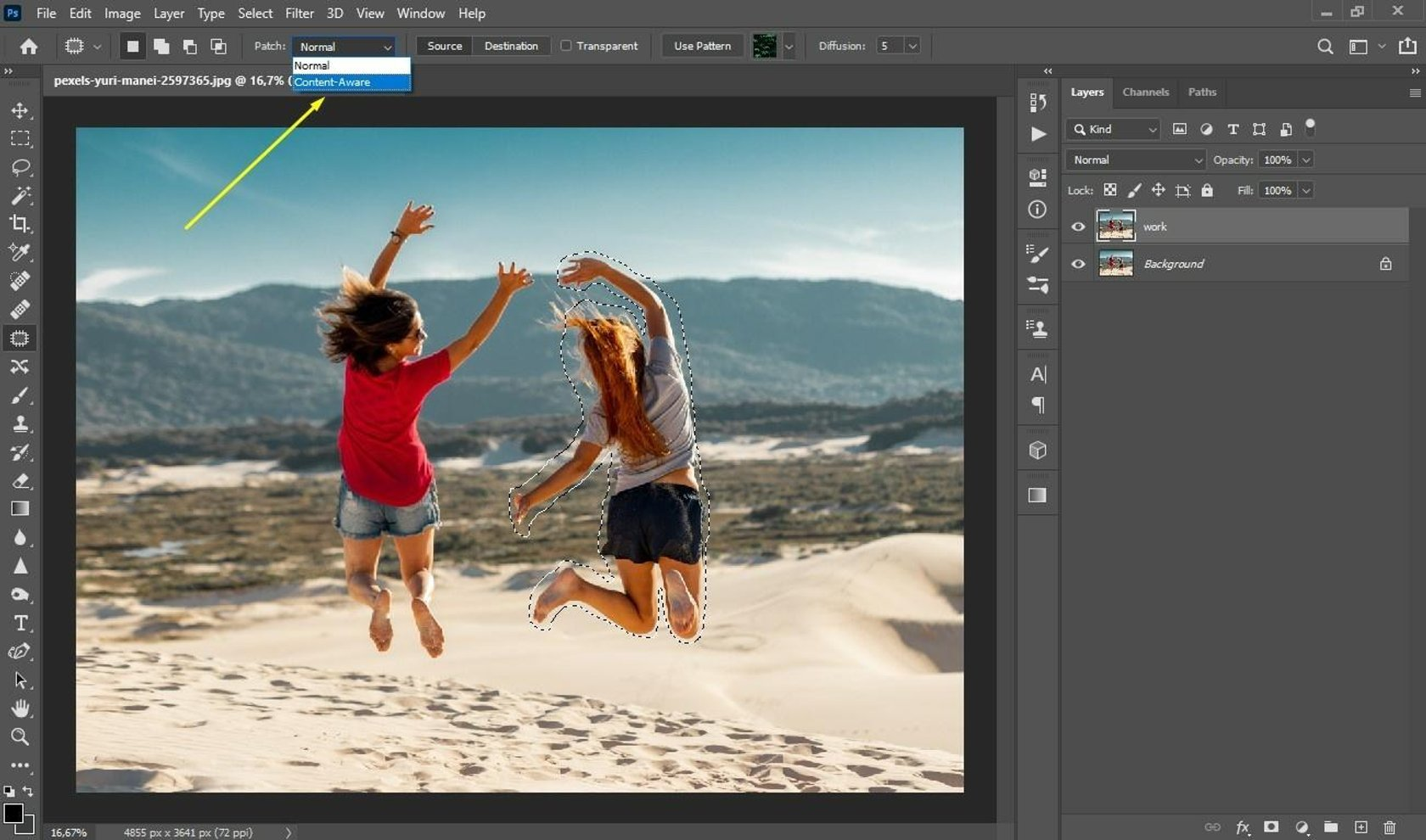
Although most people are familiar with the fundamentals of content-aware fill, Photoshop now provides a dedicated workspace. You can discover more precise controls for filling in undesirable objects and sampling regions by selecting Edit > Content-Aware Fill. Ideal for adjusting intricate textures or eliminating background distractions.

1. Content-Aware Fill Workspace

2. Select Subject with One Click

Photoshop employs artificial intelligence (AI) to automatically identify and choose the image’s primary subject under Select > Subject. It saves a great deal of time when isolating subjects and is extremely accurate, especially with intricate borders like hair.

3. Color Lookup Adjustment Layer

Want to create a dramatic effect without using intricate color grading? Try the adjustment layer for Color Lookup. It is an excellent application for making mood boards or stylizing pictures, and it allows you to add LUTs (Look-Up Tables) for fast color effects.

4. Brush Smoothing

Photoshop’s Brush Smoothing function aids in producing cleaner strokes if your hand isn’t the steadiest. Simply use the Brush Tool and change the smoothing percentage on the top toolbar. For illustrators and letterers, it’s revolutionary.

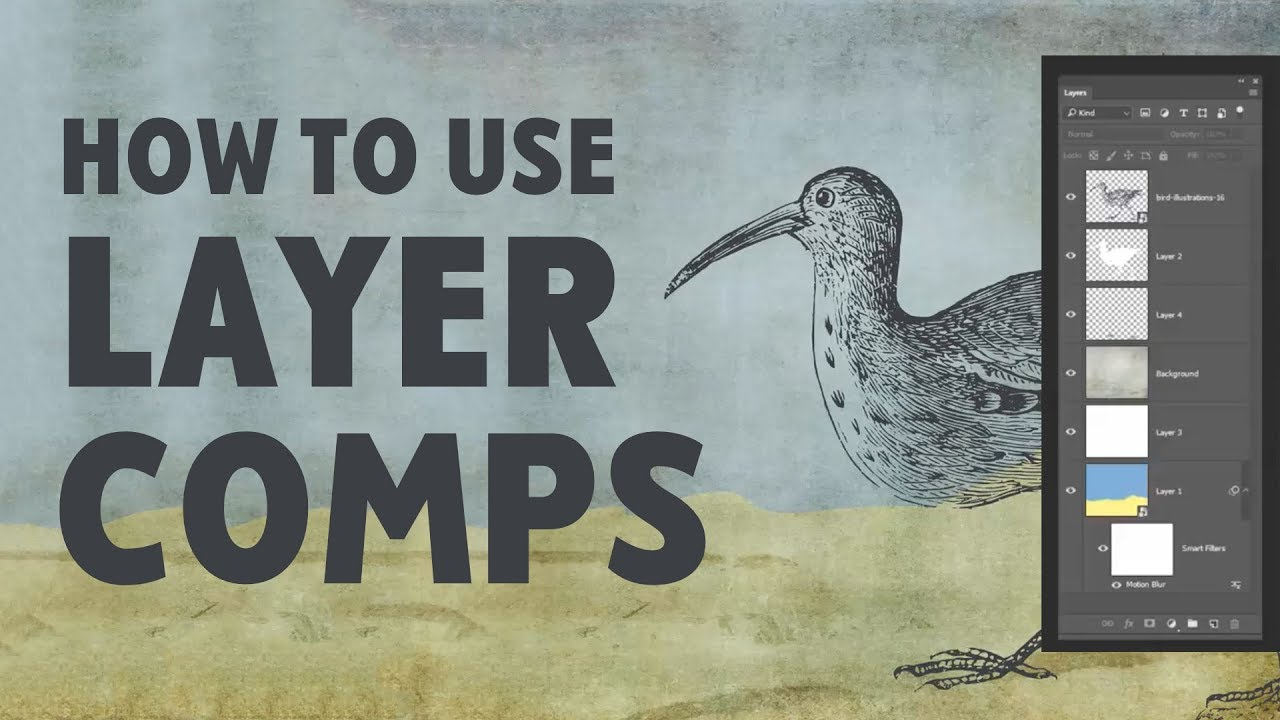
5. Layer Comps

Creating several iterations of the same layout design? You may save various visibility, location, and style settings for layers using Layer Comps. For comparing variants without generating distinct files, it’s ideal.

Layer Comps

6. Match Font Tool

Unable to identify the typeface you found in an image? Make use of Type > Match Font. After analyzing the chosen text area, Photoshop will recommend related fonts that are either already on your computer or accessible through Adobe Fonts.

7. Quick Export as PNG

Right-click a layer and select Quick Export as PNG to save time. It’s perfect for social media managers or site designers who require transparent, quick asset exports.

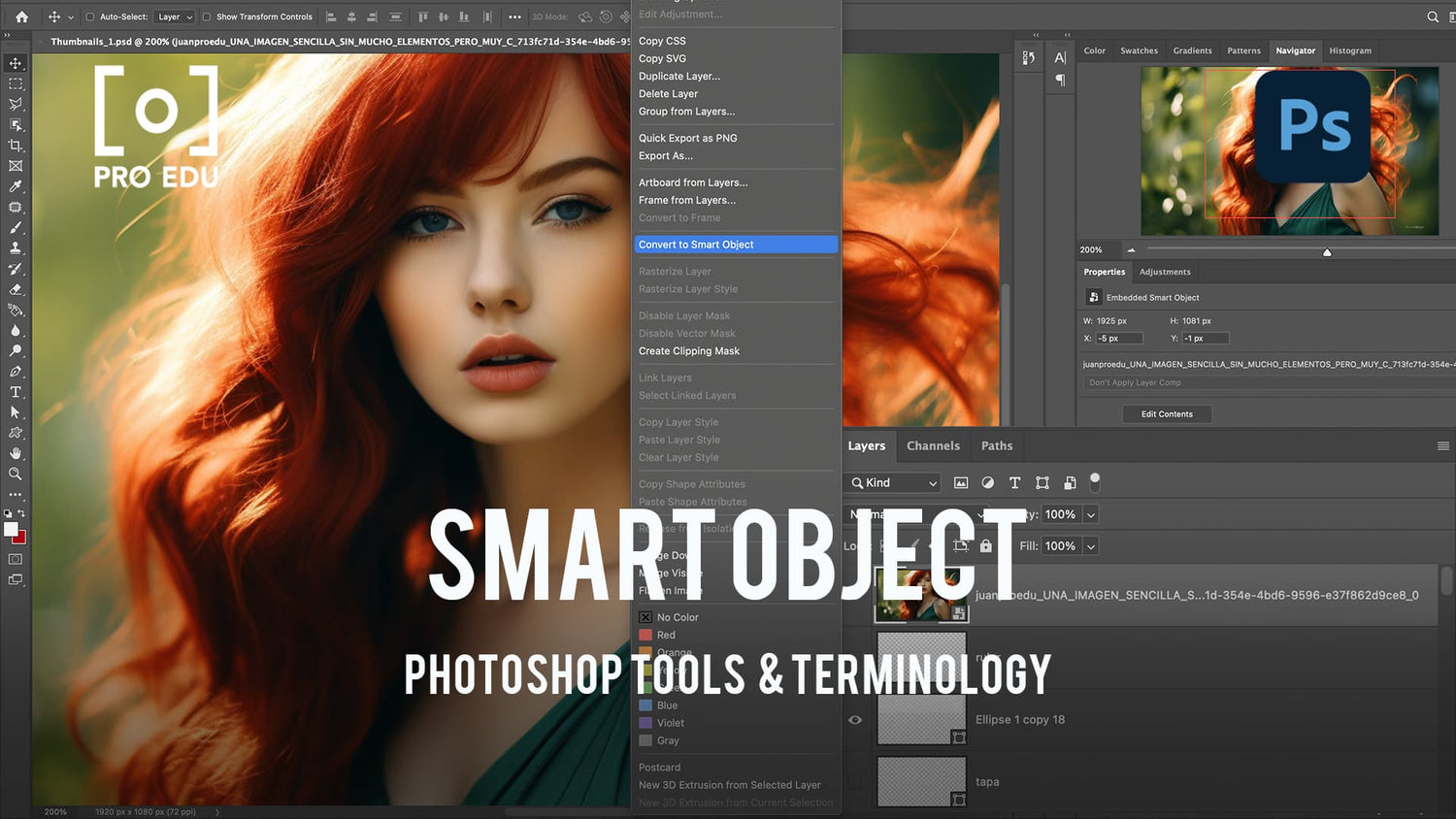
8. Smart Objects for Non-Destructive Editing

To apply filters and transformations without causing any damage, convert layers to Smart Objects. You can always go back and make changes without sacrificing quality, which is crucial when working on intricate design tasks.

Smart Objects for Non-Destructive Editing

9. Symmetry Painting

You can paint in a mirrored manner along vertical, horizontal, or arbitrary axes by using the Brush Tool’s Symmetry Mode. It’s ideal for making symmetrical pictures, patterns, and mandalas..

10. Hidden Gradient Presets

To access Photoshop’s hidden gradient presets, click the gear icon in the Gradient Picker and select “Legacy Gradients.” These consist of imaginative and practical gradients for overlays, backdrops, and other applications.

Final Thoughts

If you know where to look, Photoshop has a ton of options that can help you do your work more creatively and efficiently. You’ll improve your design process and find new ways to realize your ideas by investigating these hidden tools. So feel free to experiment and include Photoshop’s hidden tools into your daily toolbox.

Top 5 Adobe Tools for Digital Artists in 2025

Top 5 Adobe Tools for Digital Artists in 2025

Adobe continues to provide some of the most potent tools for realizing your ideas, regardless of your level of experience as an illustrator, concept artist, or novice in the field of digital art. Adobe’s ecosystem is more intuitive, AI-powered, and seamless than ever in 2025. This year, let’s explore the top 5 Adobe technologies that any digital artist has to be familiar with.

1. Adobe Photoshop 2025 – The Classic, Reinvented

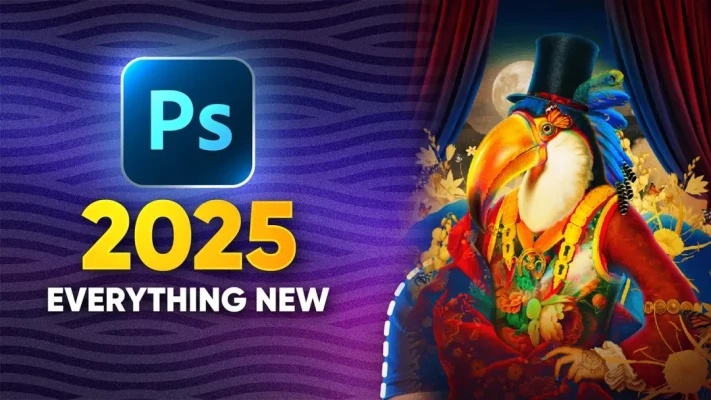
Not surprisingly, Photoshop is still the preferred tool for digital artists, but in 2025, it has advanced to a new level. Photoshop’s latest AI-powered tools, such as Neural Filters, Generative Fill, and automated backdrop replacement, make complicated adjustments simple. Artists can use both conventional brushes and AI improvements to sketch, paint, photo-bash, and develop their works. Illustrators, matte painters, and concept artists all find it ideal.

What makes it unique: Cloud-based projects and real-time collaboration have made collaborating easier than before.

Adobe Photoshop 2025

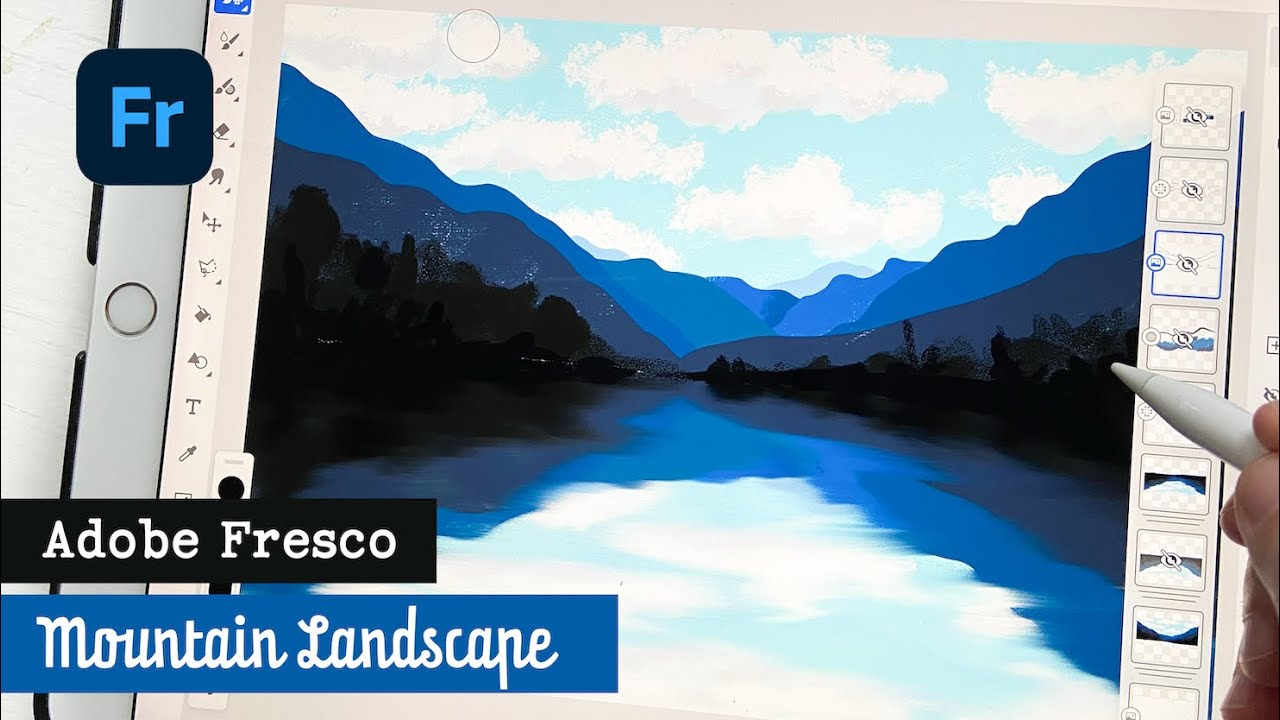
2. Adobe Fresco – For Natural Drawing & Painting

Adobe Fresco is your digital playground if you enjoy drawing, painting, or producing emotive images. Designed with a natural feel in mind, Fresco delivers live brushes that reproduce oils and watercolors so convincingly, you might forget you’re working on a screen. You can create anywhere because it works well on iPads and other touch-screen devices.

Why it’s so popular with artists: Fresco is ideal for creative work while on the go because of its user-friendly design and smooth integration with Photoshop and Illustrator.

Adobe Fresco

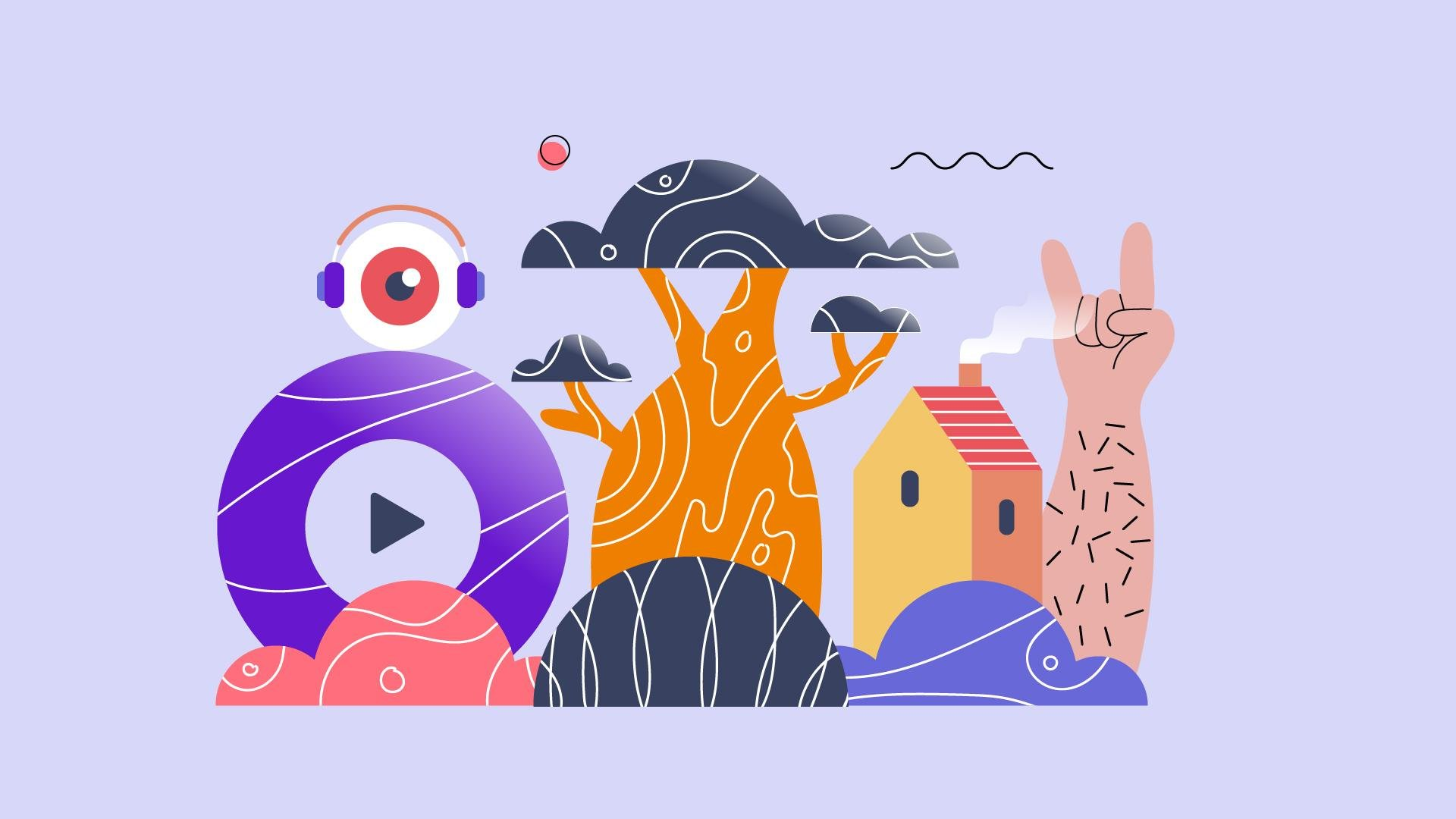
3. Adobe Illustrator – Vector Art, Redefined

Illustrator is still the best option for scalable artwork, clear lines, and sharp visuals. Adobe launched AI vector ideas in 2025 to assist artists in producing smooth vector forms more quickly. Illustrator’s precision tools are difficult to match, whether you’re creating intricate graphics, characters, or logos.

Bonus: By adding lighting and dimension to vector work, artists can bring static pictures to life with the enhanced 3D and Materials panel.

Adobe Illustrator

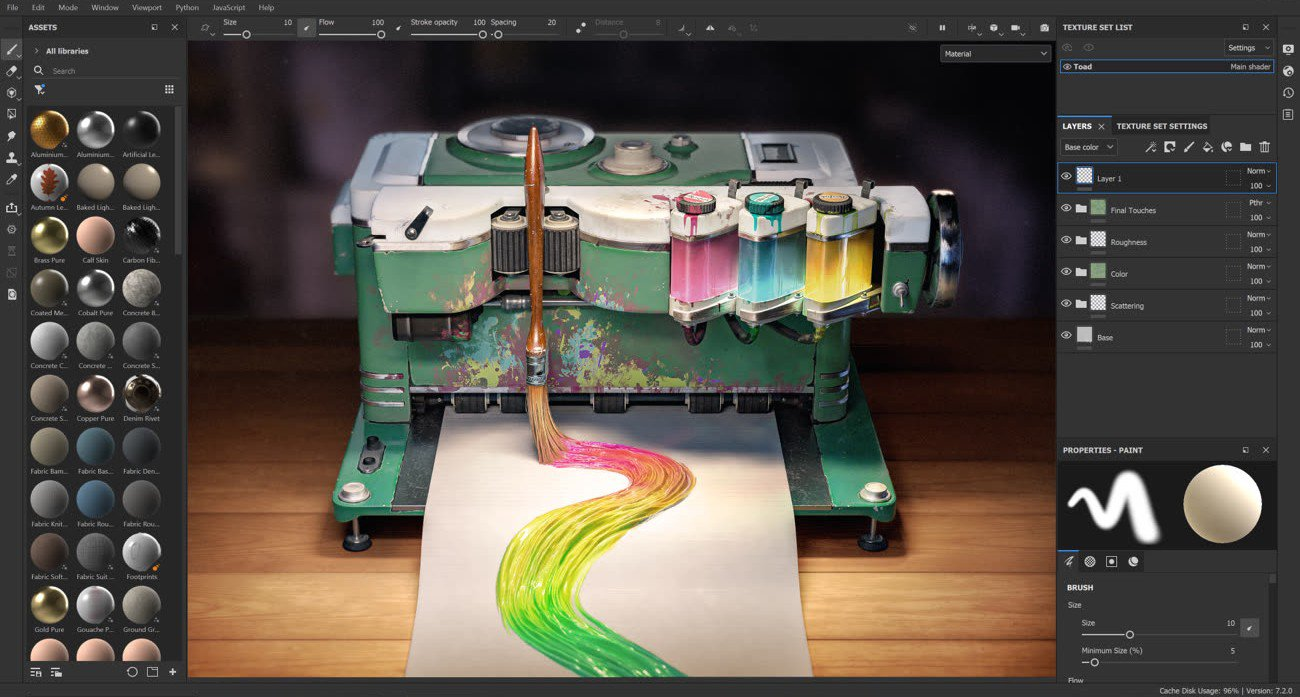
4. Adobe Substance 3D Painter – For Texture & 3D Art

Adobe’s Substance 3D Painter is the preferred tool for directly painting textures onto 3D objects, and 3D art is growing in popularity. With realistic materials, wear effects, and editable brushes, Substance 3D enables artists to bring surfaces to life for everything from digital sculptures to gaming characters. By 2025, hours of human labor will have been saved thanks to AI help that can now anticipate wear and tear patterns and recommend texture enhancements.

Why it’s strong: Perfect for 3D designers and concept artists who want to give their projects incredibly lifelike textures.

Adobe Substance 3D Painter

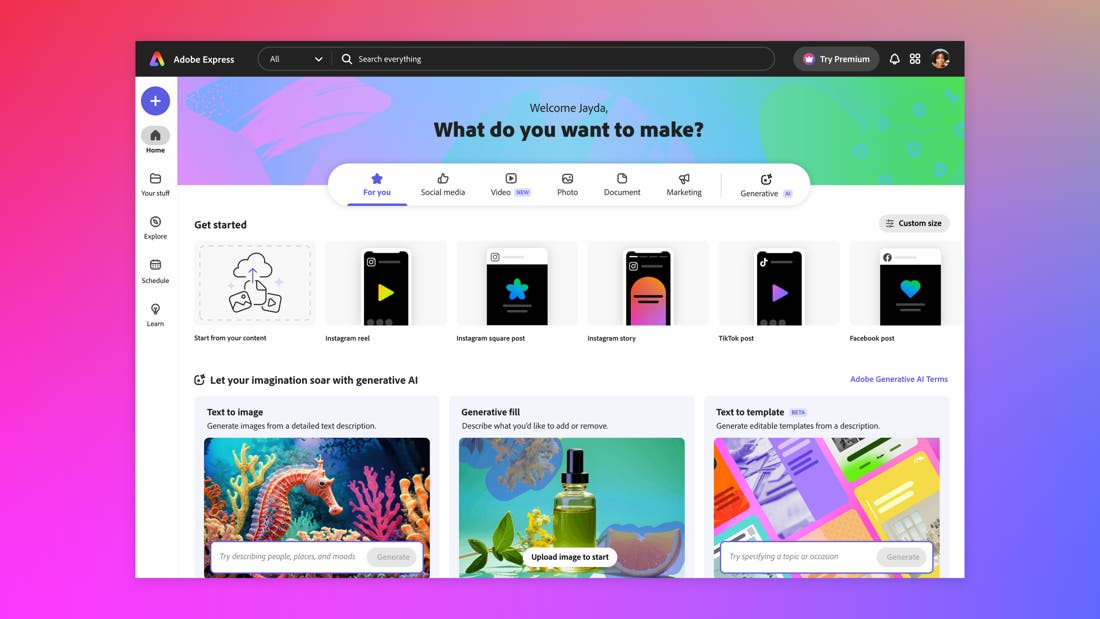
5. Adobe Express – Quick Creativity with AI

Need to swiftly create eye-catching visuals? Adobe Express has never been faster or smarter. It’s excellent for artists who wish to create material centered around their art, establish portfolios, or post their work on social networking. Express’s drag-and-drop features, intelligent templates, and AI-powered recommendations let you save time without sacrificing the quality of your images.

What’s new in 2025: Complete connection with Adobe Firefly to create backdrops and graphic components based on text suggestions.

Adobe Express – Quick Creativity with AI

Final Thoughts

The goal of Adobe’s suite for 2025 is to make digital art more intelligent, quick, and widely available. These five tools have a lot to offer, whether you’re creating 3D worlds, drawing characters, or simply trying to improve your creative process. Let your imagination go wild as you explore and try new things.