







How to Choose the Right Video Editing Software

How to Choose the Right Video Editing Software

Having the appropriate video editing software is crucial in a world where digital platforms are dominated by video content. Whether you’re a small business owner, social media manager, or YouTuber making marketing videos, the quality and effectiveness of your work can be greatly impacted by the tool you choose. It can be difficult to find the ideal fit with so many alternatives available. This advice will assist you in making an informed choice.

1. Define Your Skill Level

Determine your degree of experience before delving into the features and costs of different tools. Are you a novice trying to find something simple and straightforward to use? Or do you work as a professional and require sophisticated tools like multicam editing, color grading, or motion tracking?

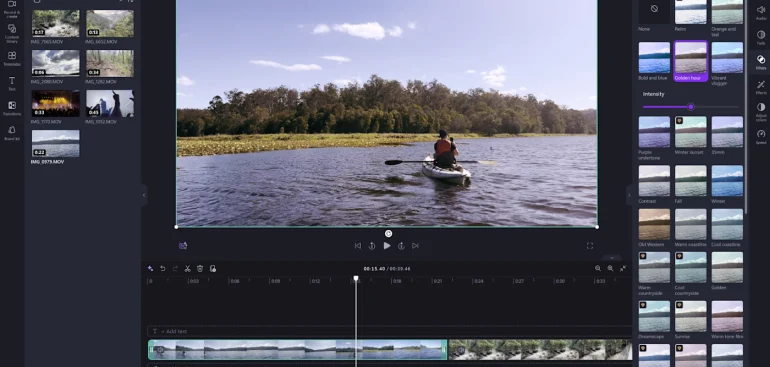
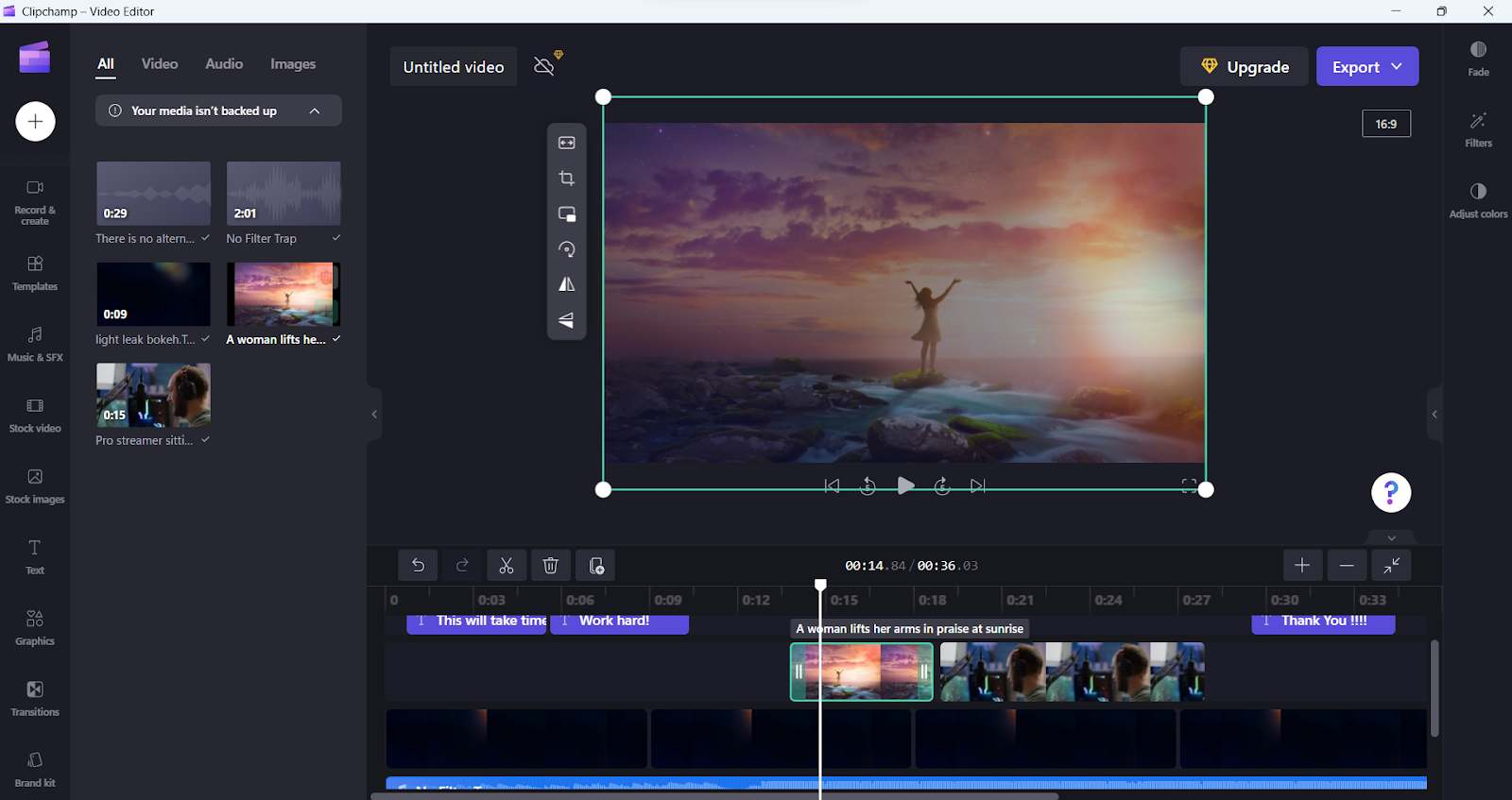
  • Beginners: Seek out programs with integrated tutorials and drag-and-drop interfaces. Clipchamp (Windows) and iMovie (Mac) are two examples.
  • Intermediate to Advanced Users: Take into account programs with more advanced editing functions, such as Adobe Premiere Pro, Final Cut Pro, or DaVinci Resolve.

2. Consider Your Purpose

Video editors are not all made equal. While some are optimized for YouTube videos or social media content, others are made for motion picture films. Consider the following uses for the software:

  • Search for royalty-free music, export options for several platforms, and templates for social media and YouTube.
  • Business Marketing: Select programs that allow for brand personalization and integration with stock libraries.
  • Filmmaking: Select software that allows for multilayer editing, color correction, and high-resolution formats.
Consider Your Purpose

3. Check for Compatibility

Verify that the program you select is compatible with your hardware and operating system. While some editing software is only compatible with Macs or Windows, others might need more RAM or powerful GPUs to run properly.

Cloud-based tools like WeVideo or CapCut provide cross-device editing flexibility if you’re constantly on the road.

4. Look at the Features

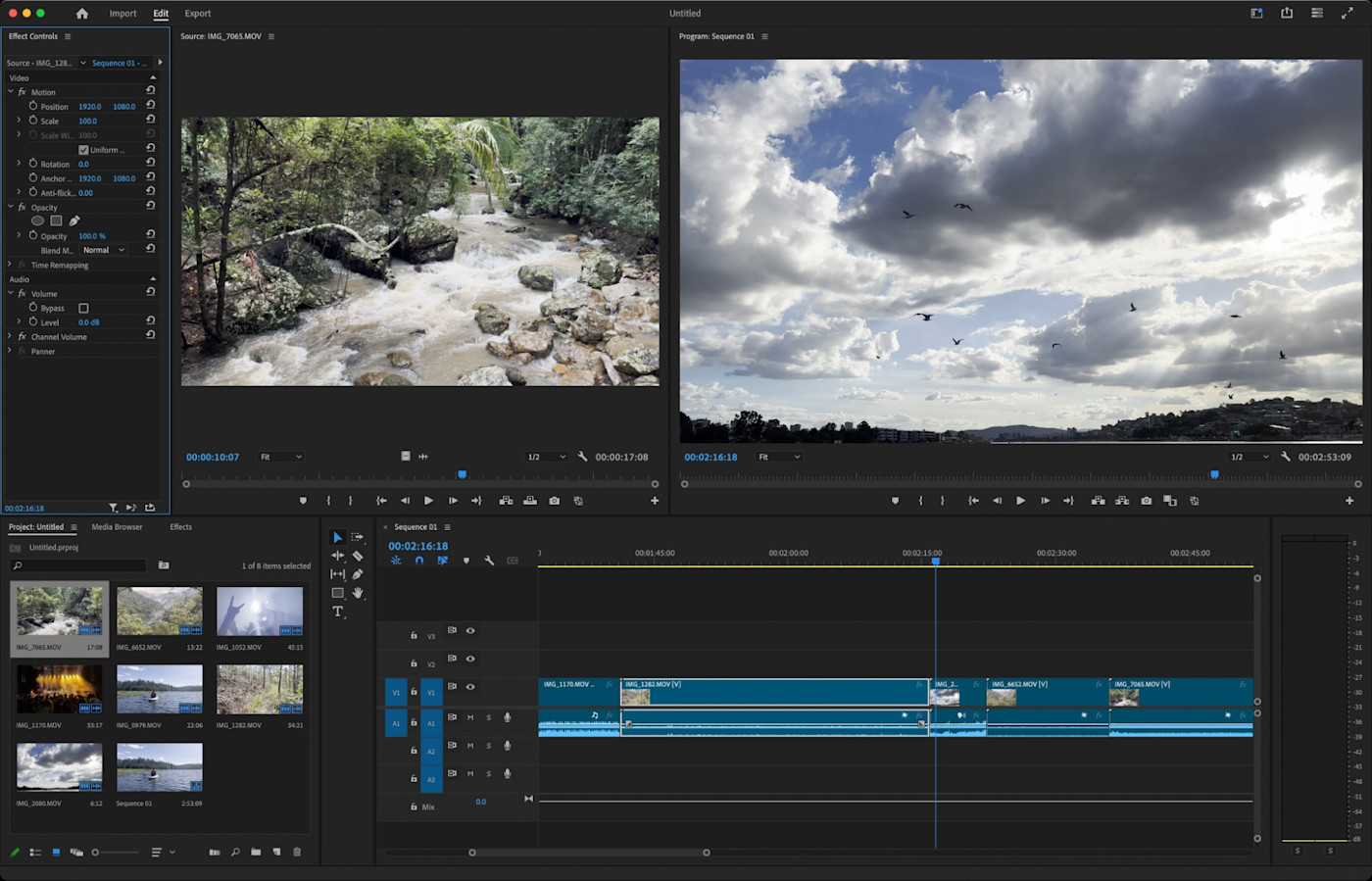
The features of a good video editing program should be balanced according to your needs. Typical characteristics to search for include:

  • Multi-track editing 
  • Transitions and effects 
  • Audio editing tools 
  • 4K or higher video support 
  • Green screen/chroma key capabilities

You can also save time by using extra features like motion graphics, auto-captioning, and direct upload to social media.
Look at the Features

5. Think About Your Budget

The cost of video editing software varies, ranging from free to paid memberships. Although free versions are excellent for trying things out, they frequently have limited features or watermarks. More features and higher-quality exports are typically available in paid versions.

  • Free Tools: iMovie, DaVinci Resolve (basic), CapCut 
  • Mid-range: Filmora, Movavi 
  • Professional: Adobe Premiere Pro, Final Cut Pro

Final Thoughts

Your objectives, level of expertise, and financial constraints will all influence the video editing software you choose. Determine your needs first, then, if there are any free trials available, try out a few possibilities. You may realize your creative vision more quickly and efficiently if you have the correct tool.

Review: CorelDRAW for Beginners – Is It Worth It?

Review: CorelDRAW for Beginners – Is It Worth It?

You have likely heard of CorelDRAW if you’re new to the graphic design field. It’s one of those names that frequently appear next to Photoshop and Adobe Illustrator. However, as a novice, you may question whether CorelDRAW is truly worth studying. Let’s examine it more closely.

What is CorelDRAW?

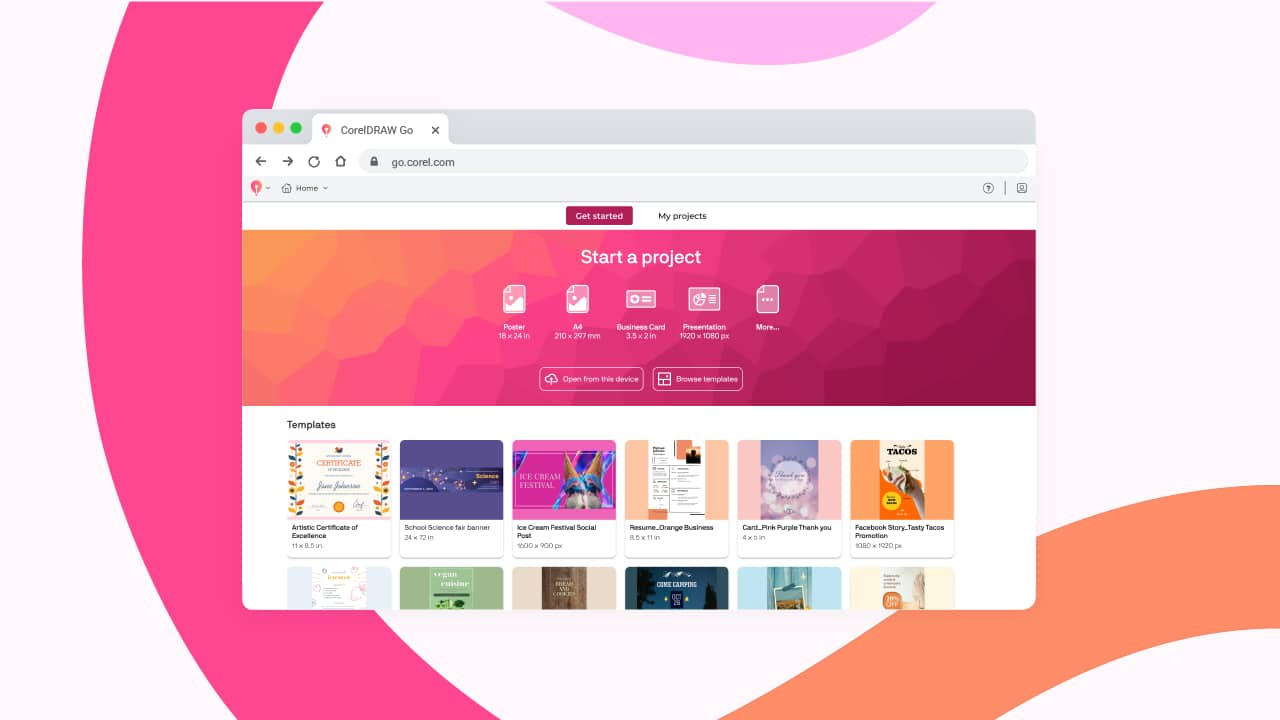
Corel Corporation created the vector graphics editor CorelDRAW. It is renowned for having strong features for professional use while remaining user-friendly for beginners. With the help of CorelDRAW, you may realize your creative visions for logos, flyers, social media graphics, and even product packaging.

What is CorelDRAW?

Ease of Use for Beginners

CorelDRAW’s user-friendly interface is one of its greatest advantages. CorelDRAW displays capabilities in a rational and understandable manner, in contrast to certain graphic design applications that might feel overwhelming right away. For novices who are just starting, there are integrated tutorials, a comprehensive help center, and pointers that appear as you work.

To help you get started, the software also includes a large number of templates, graphics, and fonts. If you’re a hands-on learner, you’ll love how easy it is to jump right into real design work without getting lost.

Ease of Use for Beginners

Key Features That Stand Out

  • User-Friendly Tools: CorelDRAW has intelligent drawing tools that can help novice users by automatically transforming their ideas into ideal shapes.
  • Workspace Customization: Whether you want everything in view or prefer simple toolbars, you may change the arrangement to fit your preferred working style.
  • Broad File Compatibility: CorelDRAW can work with a variety of file formats, which facilitates import/export tasks and teamwork.
  • Cost-effective One-Time payment Option: CorelDRAW offers you the option to make a one-time payment, which may end up being more economical in the long term than Adobe’s subscription-only business model.

Key Features That Stand Out

Any Drawbacks?

Although CorelDRAW is excellent for novices, it has several peculiarities. When working with really large files, some users find it to be a little slow. Additionally, you may eventually need to learn Illustrator if you intend to work in fields like publishing or high-end marketing that rely heavily on Adobe products.

But without the high learning curve, CorelDRAW provides all you need for hobbyists, small company owners, and freelancers.

Final Verdict: Is It Worth It?

Consider CorelDRAW if you’re a novice searching for an easy-to-use, feature-rich design application. It provides a mild learning curve, useful tools, and sufficient flexibility to advance alongside you as your abilities advance. Additionally, purchasing the software directly may end up saving you money in the long run.

In summary, CorelDRAW is a wise and valuable option if you want a solid foundation in graphic design without feeling overpowered right away.

Step-by-Step Guide to Securing Your Digital Life

Step-by-Step Guide to Securing Your Digital Life

Convenience is a benefit of living in the digital age, but there are also significant disadvantages. The risks, which include identity theft and compromised accounts, are real but avoidable. One wise step at a time, this comprehensive guide will teach you how to protect your digital life.

1. Create Strong, Unique Passwords

Making sure each account has a strong and distinct password is the first and simplest step. Don’t use obvious options like “123456” or the name of your pet. Rather, use lengthy sentences or strings of capital and lowercase letters, numerals, and symbols. It’s risky to use the same password on several sites since if one account is compromised, others will be as well. To avoid having to commit all of your strong passwords to memory, use a password manager to generate and store them.

Create Strong, Unique Passwords

2. Turn on Two-Factor Authentication (2FA)

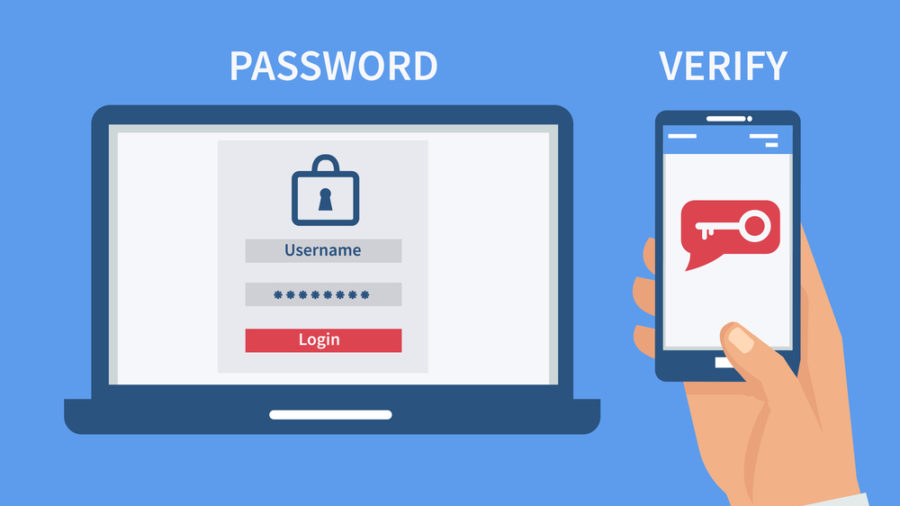
2FA provides an additional degree of security. You will be prompted to confirm your identity once more after entering your password, typically through an email, text message, or authentication software like Authy or Google Authenticator. Without this second factor, someone cannot log in, even if they figure out your password. Always have 2FA enabled on important accounts, such as financial apps, PayPal, Facebook, and Gmail.

Turn on Two-Factor Authentication (2FA)

3. Keep Your Software Updated

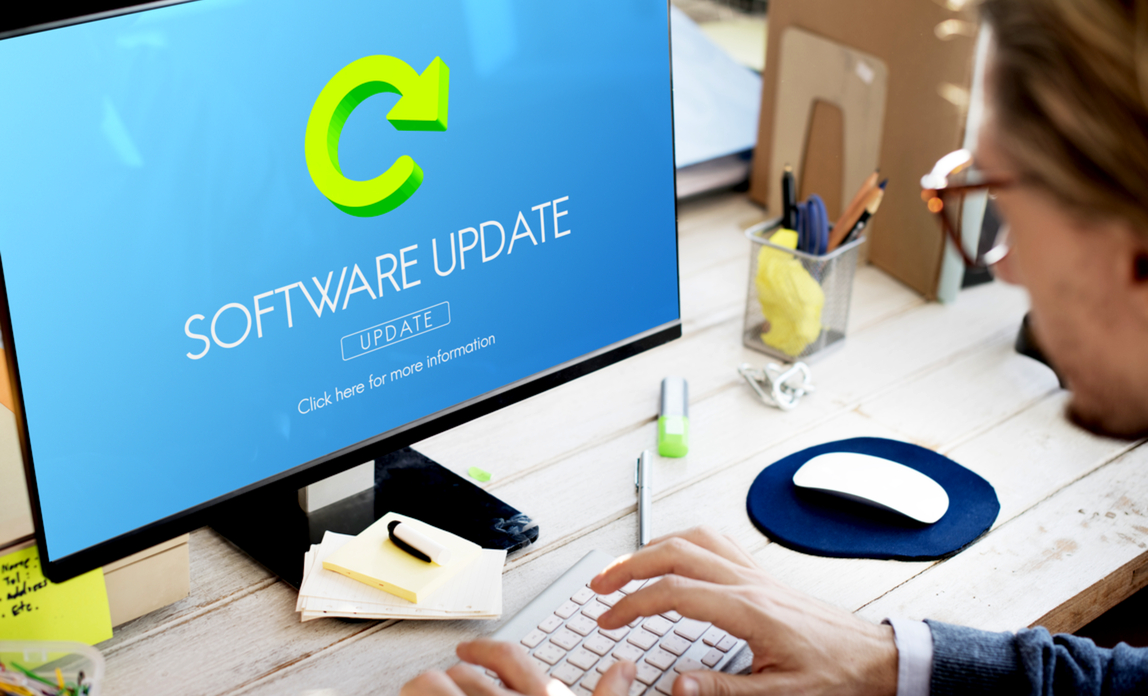
Updates that fix security flaws are frequently applied to your devices and apps. You’re opening the door for hackers if you ignore these upgrades. Turn on automatic updates for your online browsers, antivirus program, and operating system (such as Windows or macOS). Don’t make it simple for cybercriminals, who frequently take advantage of obsolete software.

Keep Your Software Updated

4. Use Public Wi-Fi Cautiously

Although it may be handy, using public Wi-Fi in places like malls, airports, and cafés is dangerous. On an unprotected network, hackers can readily intercept your data. Never use public Wi-Fi to access private accounts, such as business emails or online banking. If you have to, encrypt your connection and shield your data from prying eyes by using a virtual private network, or VPN.

Use Public Wi-Fi Cautiously

5. Secure Your Devices

You have a lot of private information on your laptop and smartphone. Use a strong password, PIN, or biometric lock (such as facial recognition or fingerprint) to secure them. Additionally, turn on “Find My Device” or comparable tools that allow you to remotely delete or track your device if it is lost or stolen. A thief can’t access anything on your device if you take this little precaution.

Secure Your Devices

6. Beware of Phishing Scams

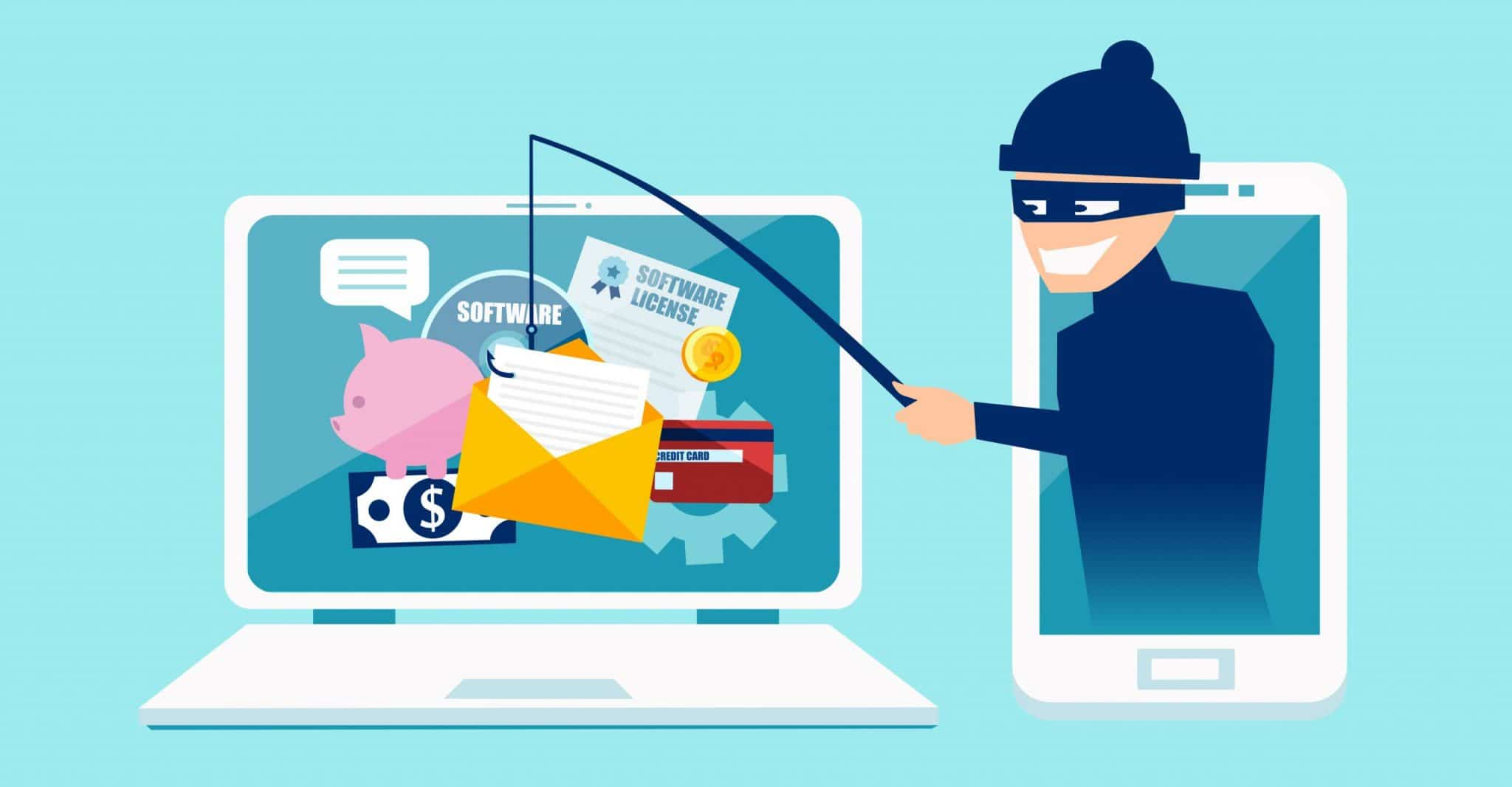
Phishing is the practice of attackers impersonating trustworthy businesses to fool you into disclosing personal information. These messages frequently push you to click a link or download a file and create a sense of urgency (such as saying your account is locked). Hover your cursor over links to preview URLs, always double-check the sender, and never trust emails or texts that seem fishy. Visit the official website directly if you’re unsure.

Beware of Phishing Scams

7. Back Up Your Data Regularly

Despite every precaution, mishaps or cyberattacks may still occur. You can prevent the loss of crucial data in the event of a device crash or ransomware infection by regularly backing up your important files. For backups, use an external hard drive or cloud storage (such as Dropbox, iCloud, or Google Drive) and make sure they are up to date.

Back Up Your Data Regularly

8. Stay Informed and Vigilant

Cybersecurity is a continuous process. Keep yourself informed since threats are always changing. Use apps that notify you of recent breaches, sign up for security newsletters, or read tech blogs. The more informed you are, the better choices you can make for your online safety.

Stay Informed and Vigilant

Final Thoughts

It only takes a little work and perseverance to secure your digital life; you don’t need to be a technology expert. By taking these precautions, you’ll strengthen your defenses against the majority of cyberattacks and protect your online environment.