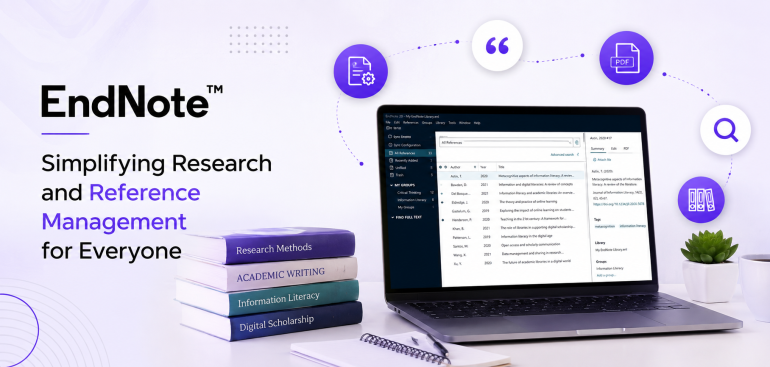
Keeping track of all the sources when you are doing your research or writing a paper can be hard. You may be working on a college assignment, research paper, thesis, or another big task. When doing such projects, you may have to deal with hundreds of books, web pages, journals, and articles.Endnote can help you by managing all of these for you. Endnote is a reference management software that enables you to collect and organize all your research sources in one place.
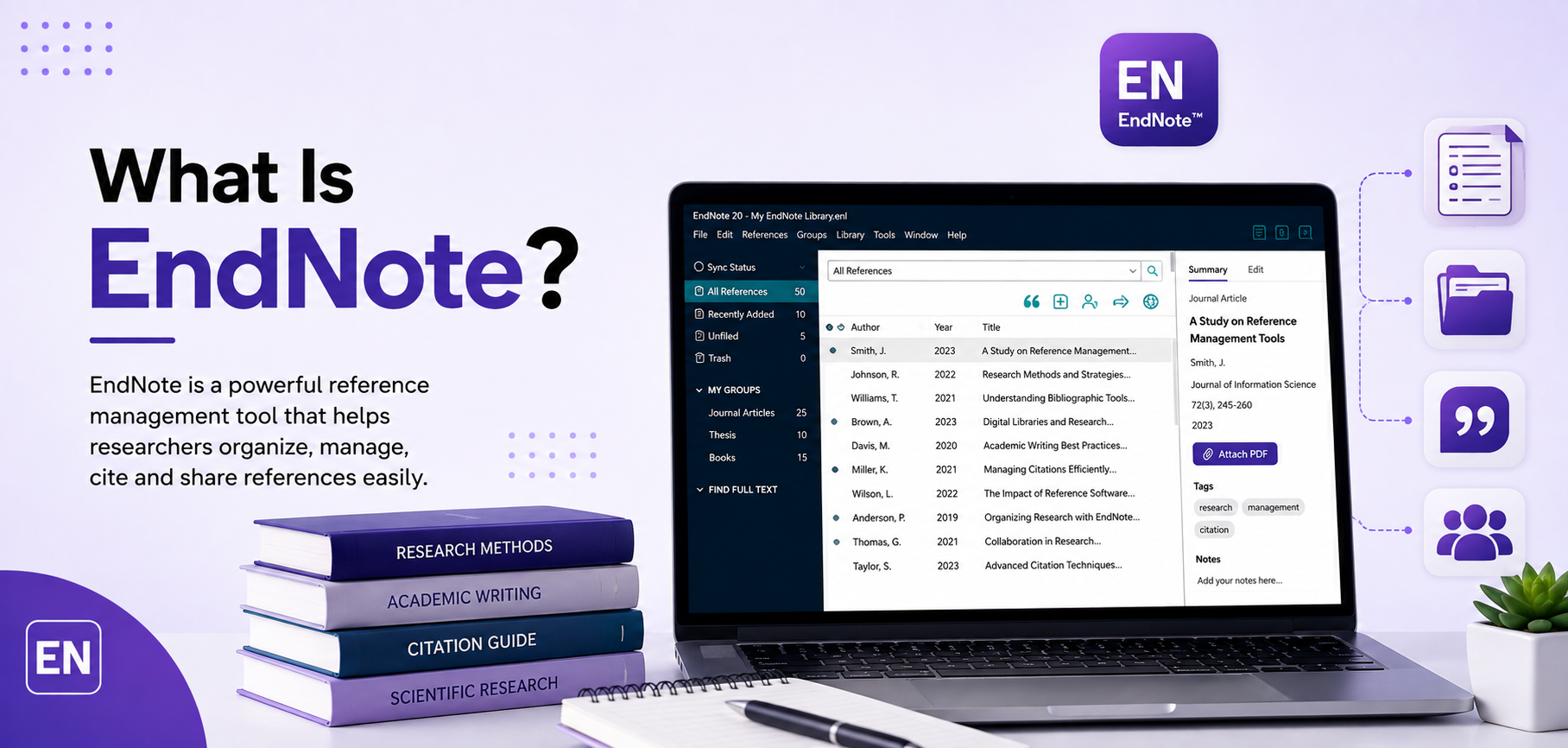
What Is Endnote?
Endnote is a reference management software which is used by students, researchers, instructors, and writers to store information and cite others’ work. If one was to write a research paper and cited fifty sources, he/she would have a difficult time recalling the authors, date of publication, and the journals of each paper. End note is a perfect tool to organize the information one has researched to have an easier time citing it.
How does Endnote Work?
Endnote is a relatively easy program to use. The main idea is that you can create a library of all your research sources such as journal articles, books, web pages, reports, and others. Additionally, you can sort these sources according to your projects.
Moreover, Endnote can help you while writing your paper with citing your sources by providing you with tools to make it easier for you. Endnote can also help you create bibliographies based on your selected citation style. It removes the extra and tedious work of generating a reference list when you have a lot of sources in your paper.
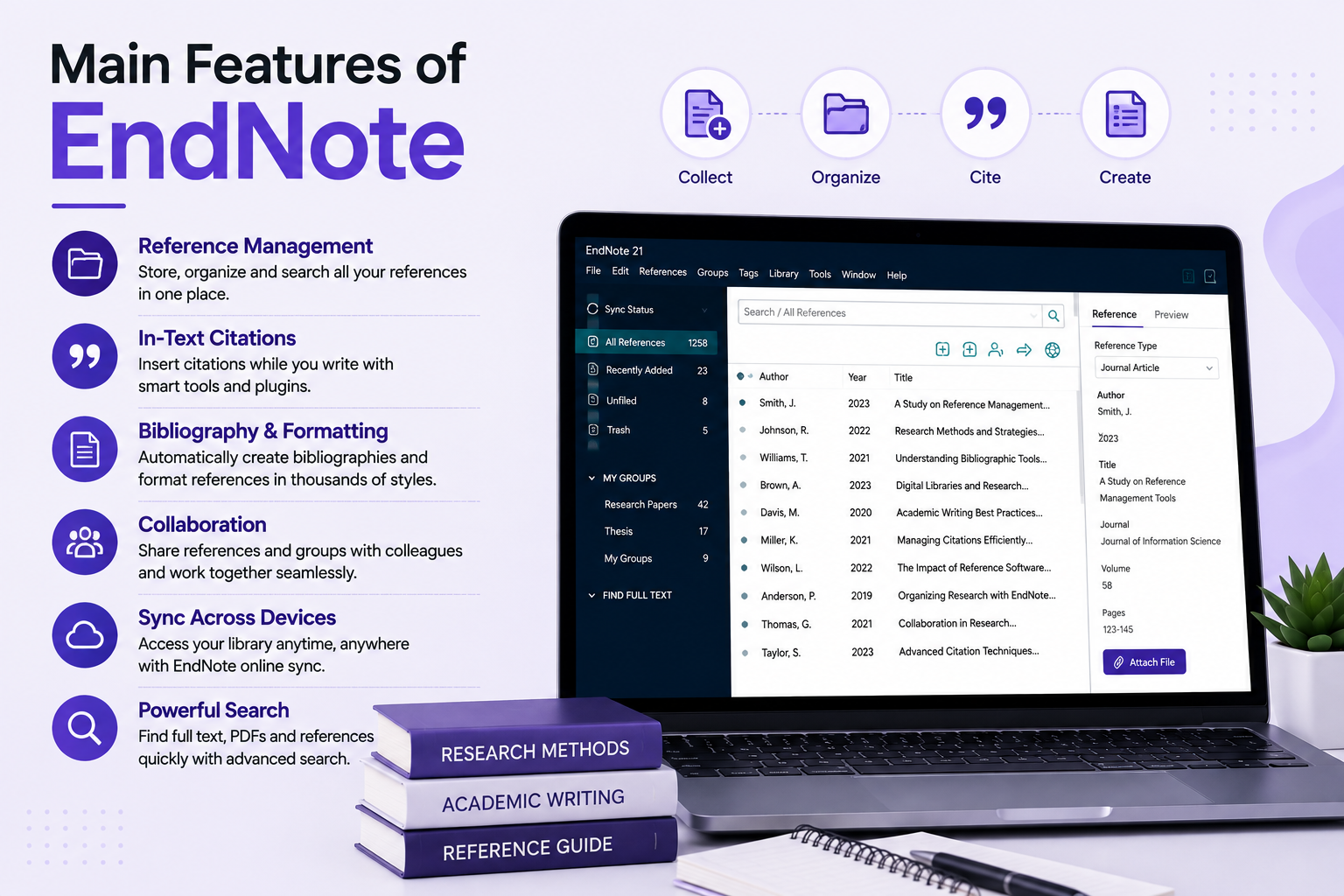
Main Features of Endnote:
1. Organize Your Research Sources:
The main point of using Endnote is being able to organize your sources. You can create groups of your references in your library and sort them according to your needs.
2. Easy and Fast Creation of Citations:
When you are writing a paper with multiple citations, it can be a tiresome process to cite all of your sources manually. Endnote makes it easier to insert citations into your papers.. Moreover, it can help you save time and avoid extra work when making your reference list.
3. Create Bibliographies According to Your Citation Style:
Each academic institution and journal has its specific citation style. Endnote can help you generate bibliographies in different styles.
4. Find Your Sources Easily:
When you have lots of research papers and other sources to study, it may be challenging to find one specific source among others. Endnote has a search feature that can help you locate the information you are looking for in your libraries.
5. Keep Track of All Your Research Material in One Place:
Endnote acts as a place to keep all your research materials. Instead of having separate books, articles, web pages, and notes, all this information can be stored in Endnote in digital mode. It can also help you avoid losing any source when you have all your materials in one library.
Who Can Benefit from Using Endnote?
Endnote can be beneficial in different areas for different types of users.
Firstly, it can be helpful for students who work on their college assignments, projects, dissertations, and research papers for their classes.
Secondly, researchers can benefit from Endnote as well since they usually have to go through lots of materials when working on one paper.
Additionally, teachers and others who have to write research papers, articles, and other works that require citing a lot of references can also benefit from using Endnote.
People who work with lots of references can see how much this program can help them.
Benefits of Using Endnote:
The most notable benefit of Endnote is that it makes keeping track of all the sources you have been using much easier. You do not have to write all the citations manually for every source you use. Secondly, it can help you organize your sources better than manually writing them down. The third benefit of Endnote is convenience when generating bibliographies when needed. While writing the actual paper, you want to avoid spending too much time on formatting of your paper as this can take away your focus. Having a reference manager can help you cite your sources easier while writing your paper.
Is Endnote Worth Your Time?
If you are working on your papers, college assignments, theses or dissertations, and you have numerous references to cite, you need Endnote. The main advantage of this program is that it makes it much easier to cite your sources. Once you get familiar with Endnote, it will be easier to organize your research material for your papers and cite your sources in them. While it is okay to manually write citations when you have just a few of them, it is not beneficial when you have to cite lots of sources. For such cases, having a reference manager is essential for saving your time and energy.
Final Thoughts:
When you are doing research, you have to spend time not only on collecting information and sources but also on organizing them and citing them accordingly. Endnote makes this job easier by helping you collect your references, organize them, cite them, and create bibliographies of your works in different styles. For students, researchers, writers, and teachers, Endnote can be a helpful reference manager for keeping track of lots of sources.