Run Multiple OS on one device with Parallels

Parallels Logo

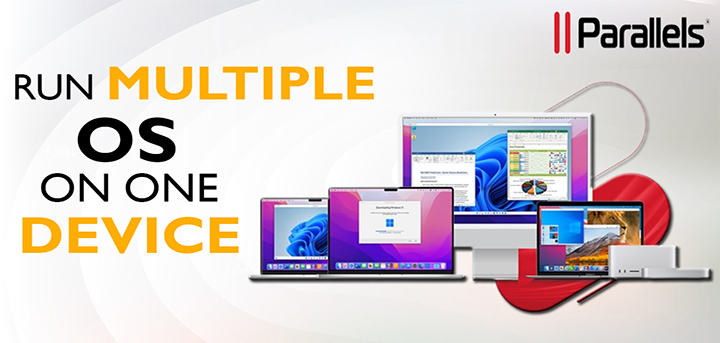
Parallels is a software company in Washington, that allows its users to run multiple operating software such as Windows, Linux, and MacOS versions on Apple Mac computers without rebooting the systems. Parallels is renowned for providing virtualization to Mac users. It provides a wide range of tools to ensure a seamless experience, and to perform day-to-day tasks efficiently in every type of software.
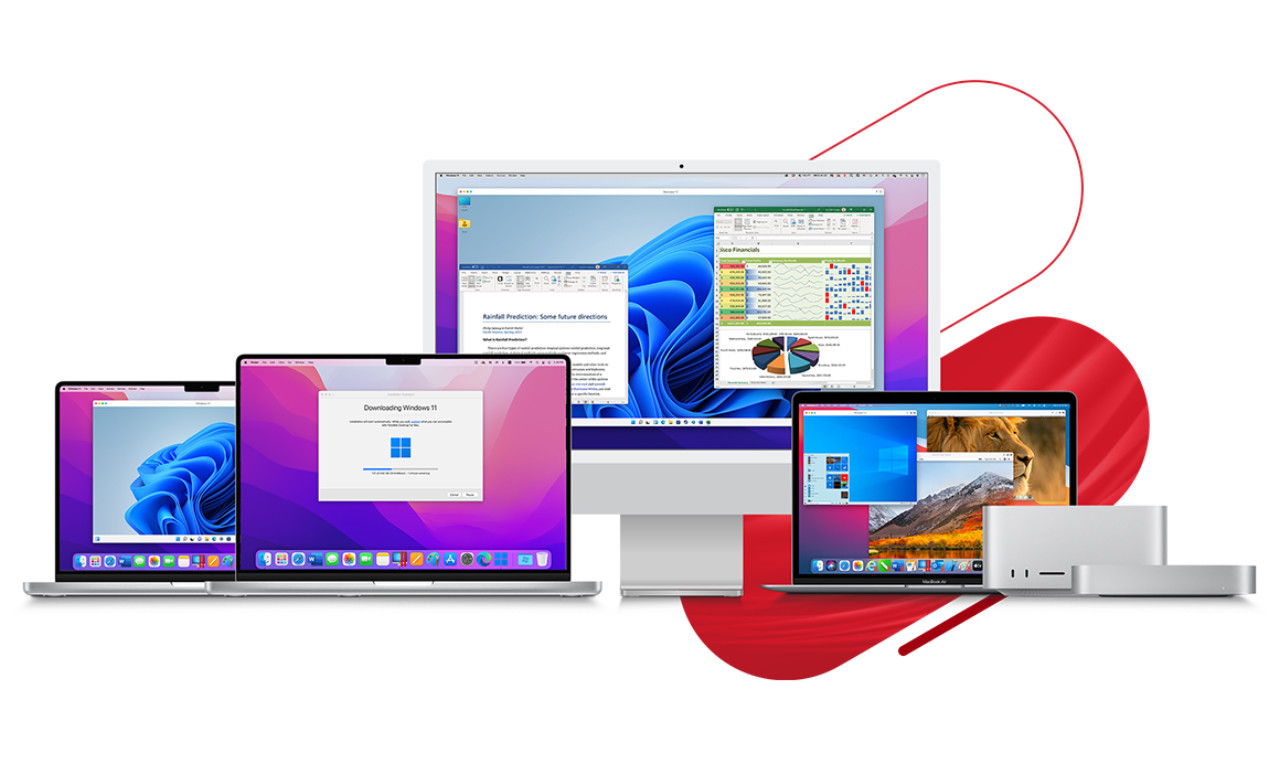
Get multiple OS with Parallels

Parallels evolved the cross-platform software solutions, therefore, it was recognized for user-friendly design and solid performance, which in turn was a precious software tool for developers, IT professionals, and other users. Cross-platform software lets the users use files or applications on any device or operating system.

What products or solutions Parallels is offering?

Parallels Desktop for Mac: – Parallels Desktop for Mac allows Mac users to run other operating software in addition to IOS without rebooting or slowdowns. It is one of the best solutions for Mac Users as it does not require any other physical system to run test software, Windows applications, or other operating systems. It supports various functions such as transferring files from Mac to other operating systems, complex CAD programs, window only games without affecting the system’s performance. Parallels Desktop for ChromeOS: – It is close to the desktop for Mac, it is the first software that runs directly on Chrome Enterprises Devices with full-featured applications. Parallels Remote Application Server (RAS): – It is a complete or leading desktop delivery or virtual system, which is beneficial for hybrid or remote office models. RAS connects seamlessly on any device or operating system in a multi-cloud environment or on-premises. In addition to primary hypervisors, online workspace can also be deployed on Microsoft Azure, Amazon Clouds, or AVDs. With the aim of lowering the infrastructure costs and management needs, it enhanced the user experience.
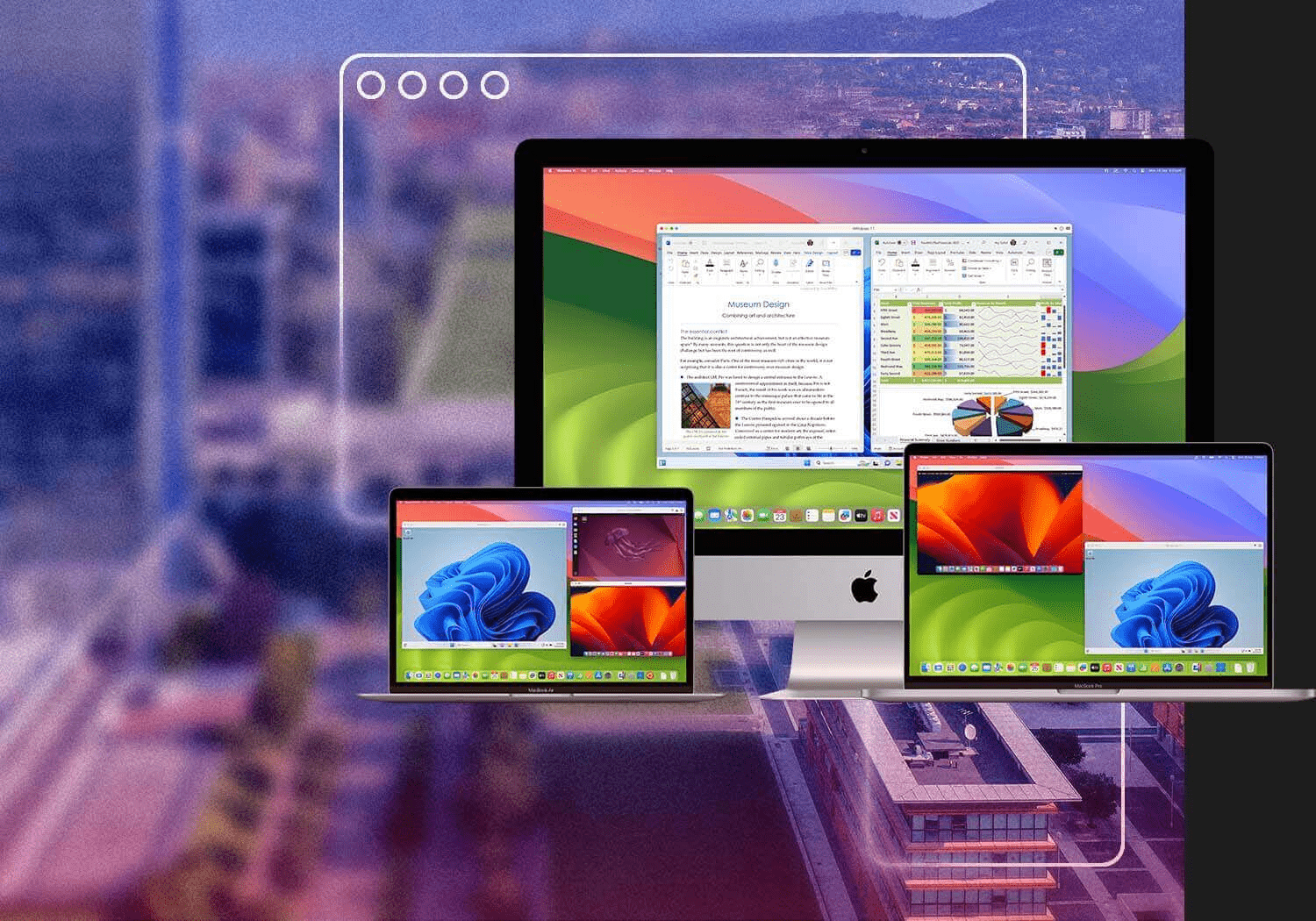
what products or services parallels offering

Parallels Toolbox for Mac & Windows: – Parallel toolbox is a set of more than 40 useful tools for Mac and window users that you want to be at your fingertips, and as well at lower cost, so it results in lessening the need for applications, also reduce the space of a hard drive, help in create high-quality visuals or content and to optimize for their presentations. Parallels Access: –  With this product, you can access your device at your comfort level. Through the use of any mobile device or web browser that supports Parallels Access, individual users can access their files, apps, and PCs.

Benefits of using Parallels: –

It offers various benefits such as cross-platform compatibility, Mac users can easily run the Windows and other operating systems without any interruptions. Secondly, it is very easy to use, with a simple and intuitive interface, so that even newbies can also set up and manage virtual machines, coherence mode, shared clipboard, drag-and-drop facility, transfer of various services between host and virtual machines work like cherry on the cake in terms of experience. For developers, it provides adaptability to run various test environments on a single device, with a wide array of development tools so that the process can be efficient. Security is bolstered through isolated virtual environments and snapshot and backup features so that data privacy can be maintained. Parallels can be designated as software that can increase productivity, security, and flexibility, making it an essential tool in the modern digital workspace.
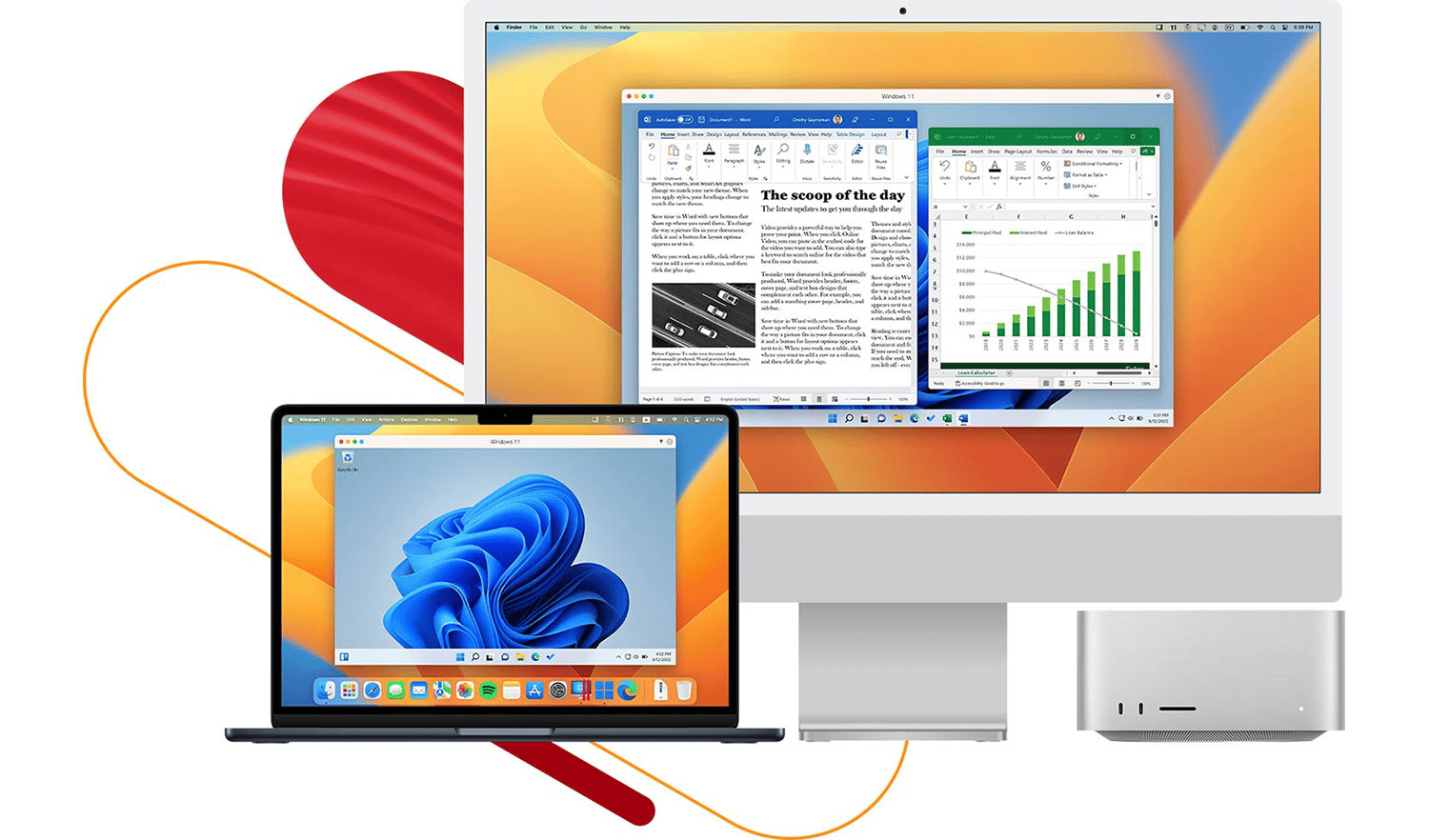
Parallels Benefits

Conclusion: –

In the end, I would like to say that Parallels is simplifying and increasing the user experience, across various devices, by providing solutions from seamless virtual machine capabilities to complete cross-platform compatibility. It allows users to run Windows on Mac, even not only Windows, but users can also run Linux and operating software, so that the users can take advantage of their full potential, without compromising on a hardware basis. To complete the emerging needs of users, Parallels provides a user-friendly interface, efficient security system, and versatile and trustworthy toolkit to boost productivity and creativity at rapid speed. It is trying to fulfill the requirements regardless if you are an amateur or an experienced professional.

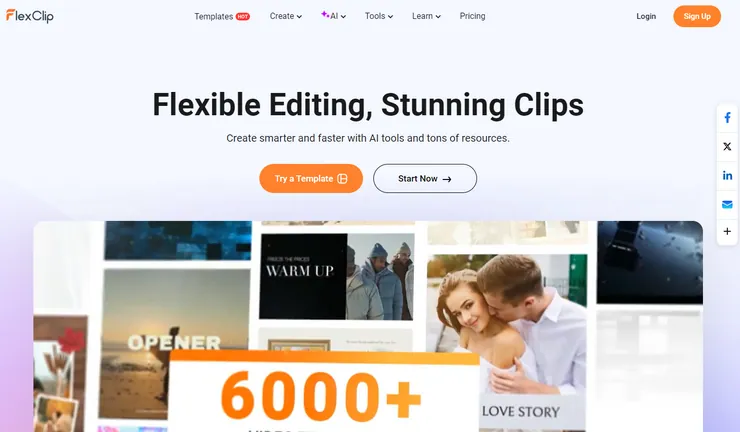
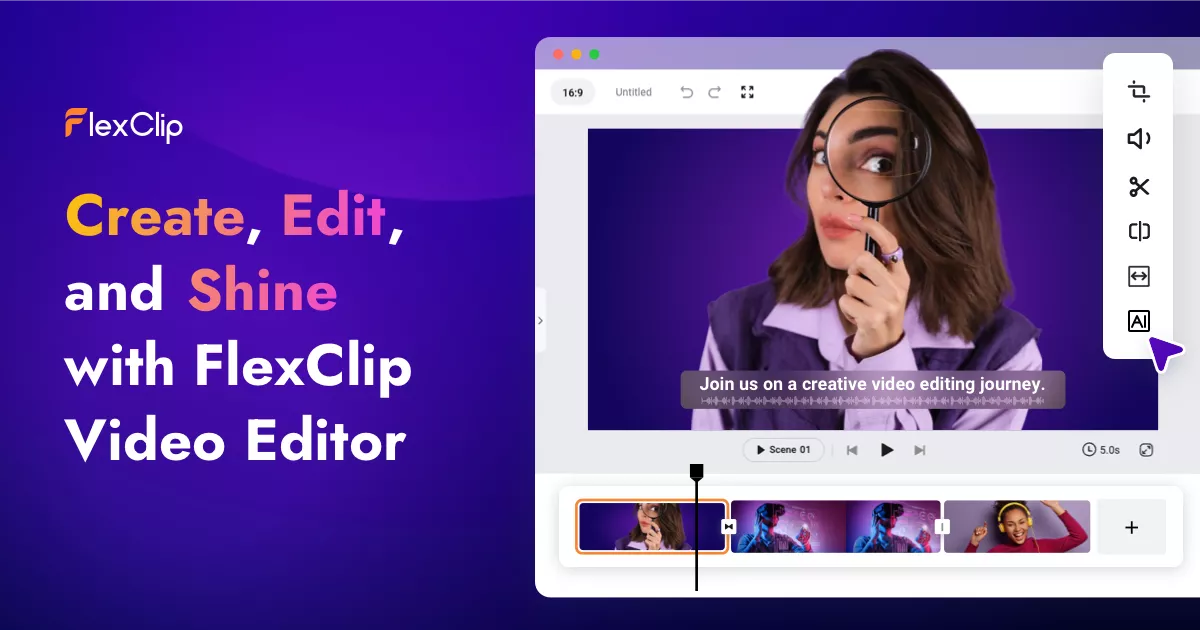
Edit the Videos with FlexClip

Flexclip Logo

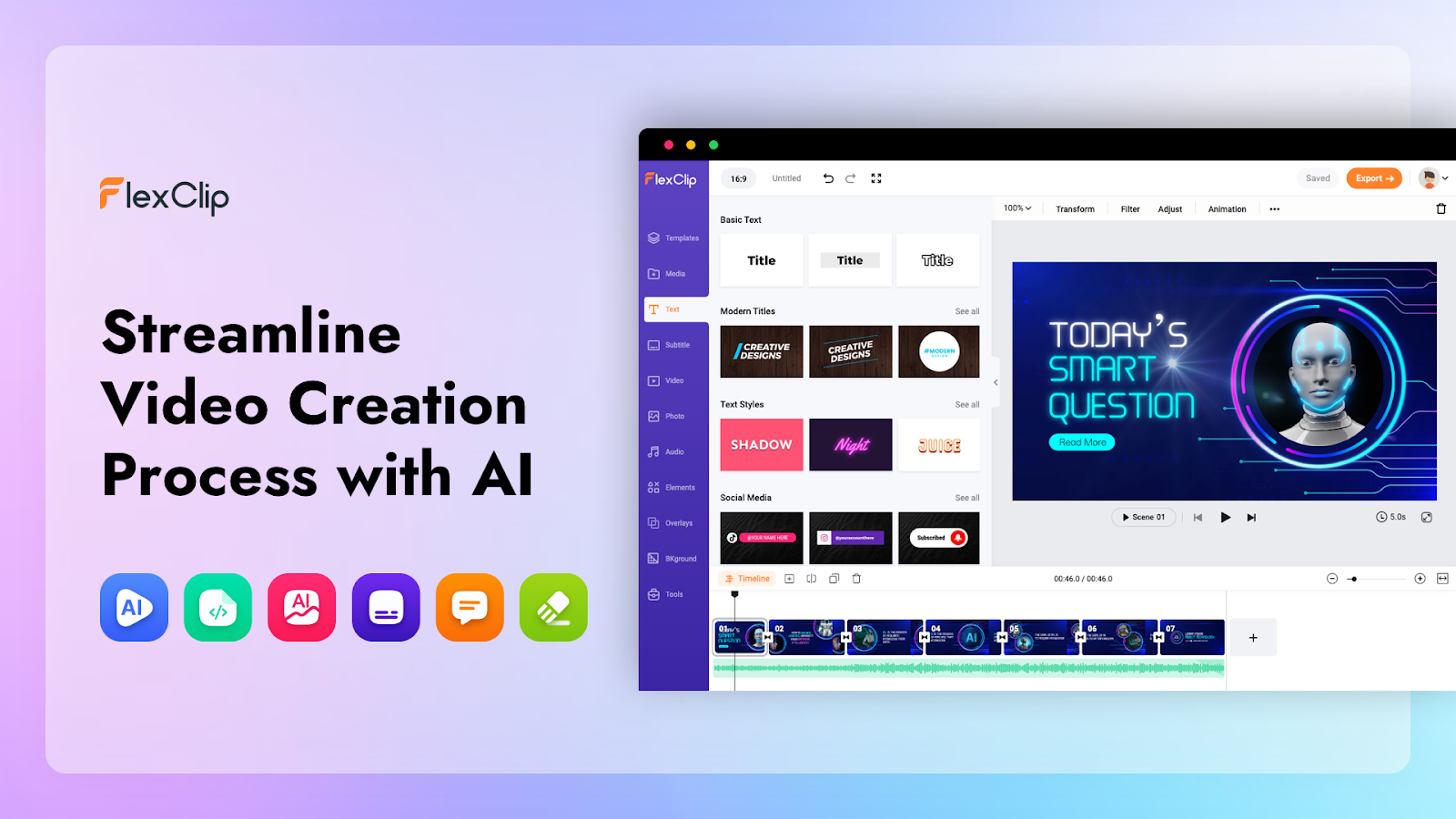
Creating appealing and engaging content is the key to success for any business, particularly the reels and videos as they help the audience to interact or understand the business more thoroughly. But creating such videos requires lots of time and effort, as invest your time in various aspects of creation such as ideas, creation, editing, posting, and more, and majorly you give your time on editing, as it involves lots of areas on which you need to work, so to streamline, your whole editing process, today we are going to discuss a platform called FlexClip, which is video editing platform, which makes whole video editing process simple yet creative. It offers a pool of templates to help you edit videos with great efficacy. While using various templates, you can add texts, widgets, overlays, intro or outros, music, images, and stock assets as per your requirements. You can easily cut, trim, add, convert, speed up and down, and combine videos through this platform.

Flexclip Homepage

Why should you use FlexClip over other alternatives?

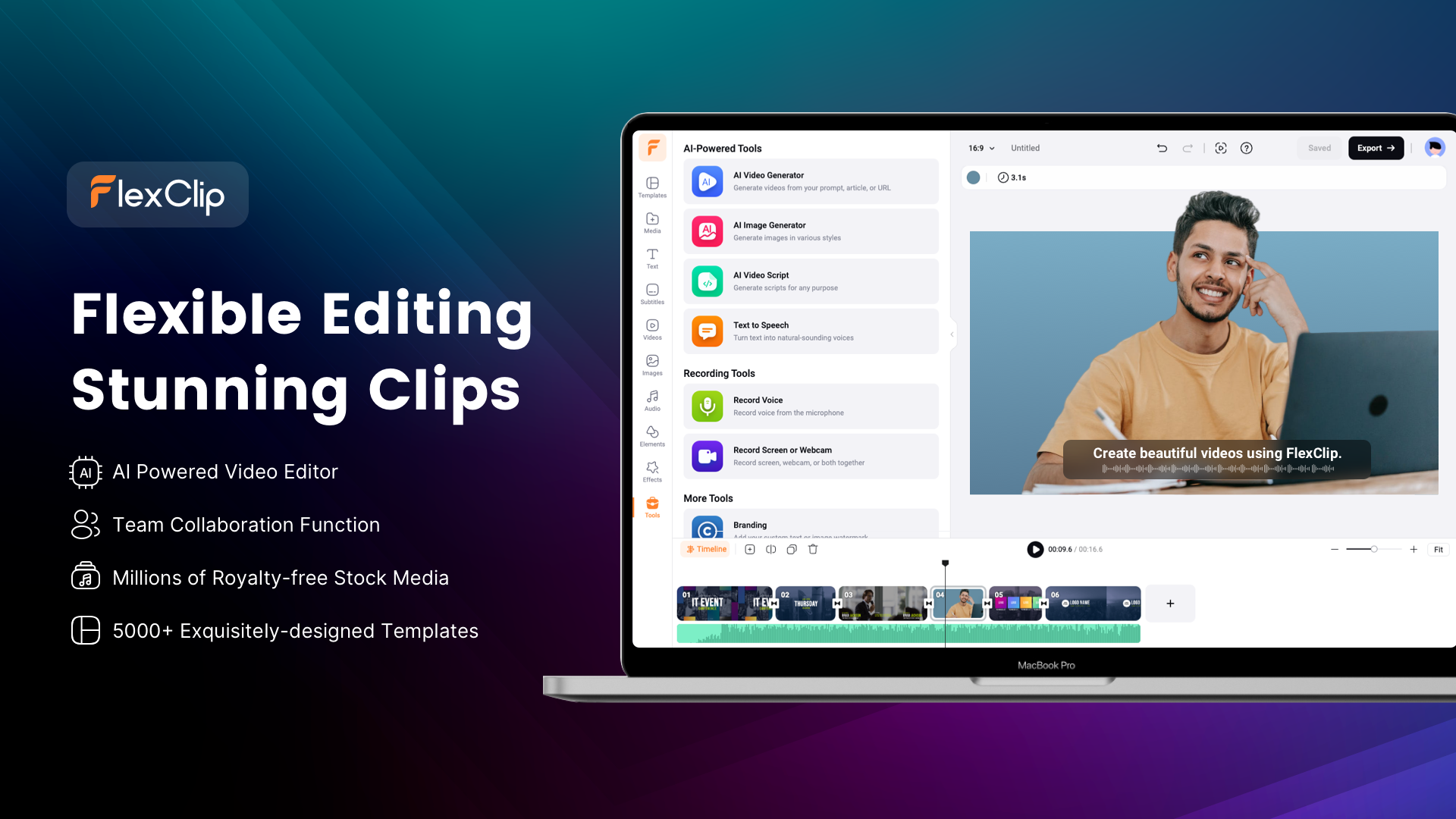
Choosing this platform over other alternatives present in the market due to its features. FlexClip offers a plethora of features, due to that people love to use it while editing their videos. Let’s glance at some reasons, why people choose FlexClip, over other alternatives present in the market. The platform has a sleek interface and user-friendly design, therefore whether you are a newbie or an experienced person, it does not matter. It streamlines the whole editing process and its drag and drop functionality gives a seamless editing experience. The pool of templates and resources: – With the use of professionally designed templates, you can save time and effort. You will find the perfect template for your project needs as it offers a diverse range of themes and styles of templates. It also has a great collection of stock photos, videos, and music. AI tools: – To make your video editing polished it has various AI features, which help you to generate automatic subtitles to images, videos, scripts, and much more. You can make professional-quality videos in just a few clicks. Versatility: – It has various video formats, so that you can make videos whether for social media, websites, or presentations which are compatible with various devices and platforms.

Why should you choose Flexclip

Tools offered by FlexClip: –

It offers a complete suite of tools for video creation and editing. By using those tools you can trim, merge, add text or music, generate GIFs, slideshows, memes, and much more. Some of the major tools such as Video editing tools enable you to edit videos effortlessly, as it allow you to add music, text, transition and watermarks, and cut, trim, and merge various video clips. AI-powered features work like the cherry on the cake, as the platform provides various AI tools such as AI text-to-speech, AI auto subtitles, AI background remover many more, which increase the visual appeal and storytelling aspect as it makes the whole production process straightforward by automating tasks such as adding voiceovers, generating subtitles, removing backgrounds. It has a wide range of templates across various categories such as business, marketing, education, and social media and stock such as videos, images, music, and photos, which helps you to make professionally graded videos. It also offers various tools to convert or compress the videos. So, you can easily use those videos for different purposes and platforms. Slideshows are a great way for professional presentations whereas GIF makers are helpful tools to engage with the audience as it allows you to make engaging animated content. So we can say that Flexclip is a versatile and intuitive platform for crafting high-quality videos for various requirements.

Tools offered by FlexClip

Plans offered by Flexclip: –

So, basically plans offered by Flexclip can be billed annually or monthly. Free Plan is suitable for small businesses and for those who are newbies to the platform. The free plan comes with basic features such as 720p HD downloads, 1stock audio per project, Free AI quotas, max 12 projects, and video length up to 10 mins. Now the Plus plan offers more benefits such as 1080p full-HD downloads, 5 stock audio and video per project, plus AI quotas, unlimited projects online, custom branding, 30GB cloud storage, 100GB video hosting space, 100 templates, watermark-free videos and more. Business plan gives more array of benefits such as 4k ultra HD downloads, unlimited stock videos, and audio, business AI quotas, unlimited video length, 100GB cloud storage, 1TB video hosting space, 200 templates, watermark-free videos, and much more.

Plans offered by Flexclip

Conclusion

So, in conclusion, we can say that Flexclip is a robust and user-friendly video creation platform, so whether you are a newbie or an experienced professional it does not matter. It provides various tools and resources required to convert ideas into actual ones. With its intuitive interface, a wide array of stock libraries, tools, and cost-effective plans, it becomes the choice of various users.

Start your journey to a safer, more private internet with ProtonVPN

Proton VPN Logo

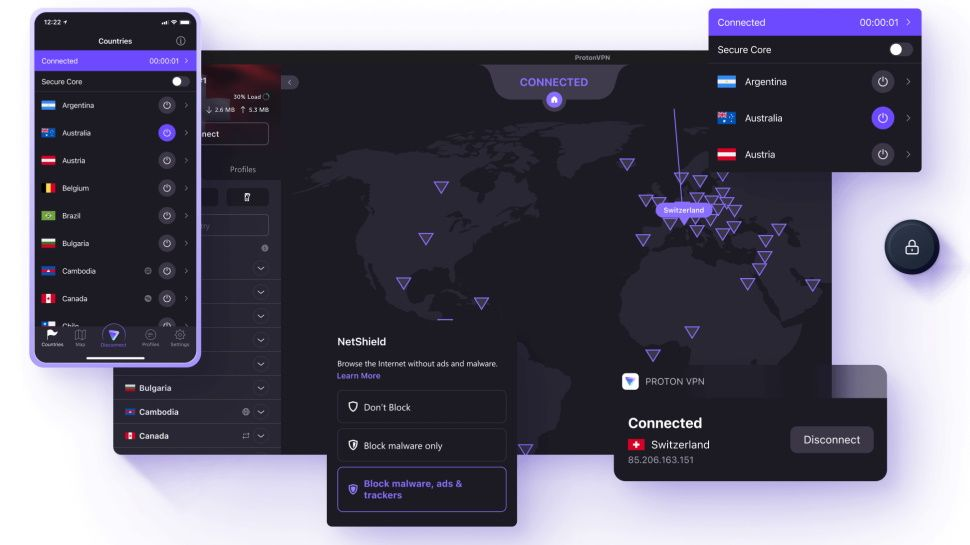
Proton VPN is a Swiss-based VPN service provider offering users security and privacy in many countries. It passes the traffic through an encrypted VPN tunnel to ensure the safety of your browsing data over the website. There is no log user activity, as it is a Swiss VPN service provider. Ensuring safe browsing over the internet leads to reducing the risk of hacking or data breaches from hackers and other third parties.

So, What is a VPN and what does a VPN do?

VPN or Virtual Private Network which ensures the safety of browsing data with the help of a set of technologies configured.

A VPN protects your online privacy by encrypting real IP addresses, so you can browse securely, and evade the risk tracking on the internet.

When you connect your device to a VPN server run by a provider like Proton VPN, your connection will be secured. VPN sits between the Internet and Internet Service Provider (ISP) and it restrains your ISP from going through the content of data, online activity, and seeing the websites you visit with your real IP address The cherry on the cake is Proton VPN provides you the service of accessing the websites which are blocked from your company, in short, you can bypass censorship.

Why should you choose Proton VPN

Why should you choose Proton VPN?

ONE VPN! INNUMEROUS BENEFITS!!!!

VPN for Privacy: – Restricting your ISP and websites from checking your browser history, With Netshield Ad Blocker, Proton VPN blocks ads, trackers, and malicious scripts. Connections with unwanted domains can be blocked with DNS filtering feature, which secures your online activity with strict Swiss laws. VPN for Streaming: –  Access your favorite streaming content from anywhere as if you were at home, Watch your content in 4K without buffering, slowdowns, or throttling, and Link up to 10 devices with the help of a browser extension simultaneously. VPN for Gaming: – Make use of infinite bandwidth, Access geo-blocked games, and Connect to the same servers as your teammates. VPN for Security: –  Conceal your real IP address, and restrict websites, governmental agencies, and ISPs from stalking you online.  Retain your browsing private with the No Logs Policy. Lock your account with two-factor authentication and a new encryption key for every new session. VPN for File Sharing: – Conceal your real IP address from fellows while using BitTorrent. Connect fast and download files firmly with high-speed P2P servers. Access blocked sites that may be restricted by your internet service provider.

Features of Proton VPN

Getting Started with Proton VPN: –

To start your journey with Proton VPN, you need to sign up for a free account and check the services, and you can choose a suitable plan for additional features and higher speeds. With the free plan, you enjoy unlimited bandwidth but on a limited number of devices, while with paid plans you will get access to a full server network, advanced security features, and priority support. You just need to download the app and log in with your credentials. You will get guidance for initial configuration through the app’s setup wizard and you can easily connect with a VPN server with just a few clicks. Now select the server from the list and click on “connect”. The app will automatically establish a secure connection, and you can browse the internet safely. Quick Connect, will automatically connect you with the fastest available server and profiles. 

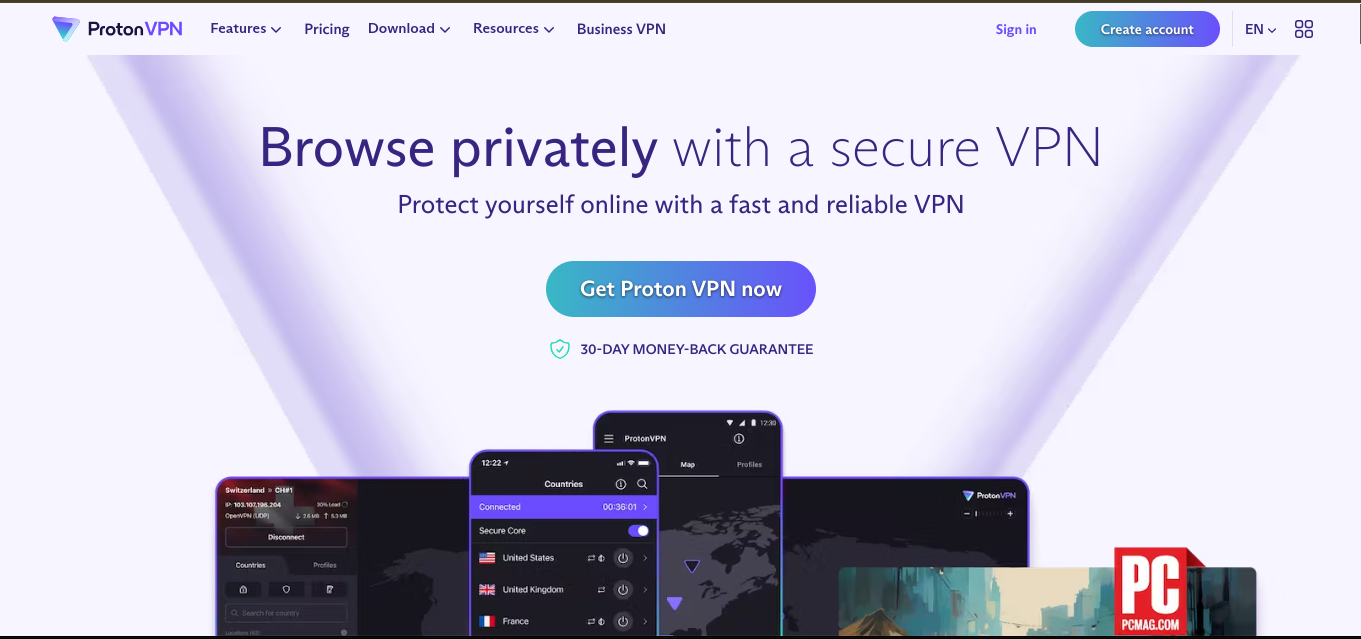
Proton VPN homepage

Conclusion

In today’s high-tech time, our online privacy and online data is more vulnerable than ever. Hackers and data brokers always keep an eye on public websites, through which they can steal the data, Proton VPN offers a complete solution with its robust security features, commitment to privacy, and user-friendly design. Proton VPN can be a reliable and trustworthy choice for those, who are looking for a secured internet connection, bypassing geo-restrictions, and safeguarding the data from surveillance. Free plan and affordable paid plans, make most of the visitors give it a try. While using the VPN, you do not need to worry about online activities, as they are protected.