Highlights of Open-Source Software: The Best Selections to Be Aware of in 2025

Highlights of Open-Source Software

Open-source software isn’t just for coders anymore in the tech-savvy world of 2025; it powers creative initiatives, businesses, and everyday productivity worldwide. Open-source tools provide users more freedom, flexibility, and transparency than any other application, whether they are community-driven inventions or free alternatives to pricey products.

Regardless of your background—developer, designer, entrepreneur, or student—here is a compilation of some of the most significant and popular open-source software available today, along with an explanation of why you should check it out.

  • What Exactly Is Open-Source Software?

Any application whose source code is publicly accessible is known as open-source software (OSS). This implies:

  • It is free for you to use.
  • You may change or improve it.
  • It can be redistributed.

OSS, which is frequently created and maintained by international communities, is based on transparency and collaboration, in contrast to closed-source (private) software.

What Exactly Is Open-Source Software

2025’s Top Open-Source Software to Be Aware of

  • LibreOffice: A Robust Substitute for Microsoft Office

Are you sick of costly office suites? With Writer (Word), Calc (Excel), Impress (PowerPoint), and other features, LibreOffice provides a feature-rich, open-source substitute for Microsoft Office.

Why it’s so good:

  • No subscription costs
  • Outstanding compatibility with files from Microsoft Office
  • Community-based enhancements
  • GNU Image Manipulation Program, or GIMP, is Photoshop without the cost.

One of the greatest open-source programs for digital art, graphic design, and picture editing is GIMP.

Ideal for:

  • Retouching photos
  • Personalized artwork
  • Layer-based editing

Although it lacks Photoshop’s refinement, it is surprisingly powerful and free when you use a few plugins.
GNU Image Manipulation Program, or GIMP, is Photoshop without the cost.

  • Blender: The Ultimate Suite for 3D Creation

Blender is an open-source powerhouse utilized by both huge studios and independent creators for everything from modeling and animation to visual effects and game development.

Why utilize Blender?

  • It’s free.
  • It has a sizable international community.
  • Professional film and video game ventures use it.
  • Audacity: Easy and Trustworthy Audio Editing

Do you need to put together a music mix, polish a voiceover, or record a podcast? With Audacity, you’re covered.

Qualities:

  • Editing with multiple tracks
  • Support for effects and plugins
  • Beginners have an easy learning curve.
  • The Player That Plays Everything is VLC Media Player.

No matter what file format you throw at it, VLC is the media player that simply functions.

Highlights:

  • Plays sound and images from almost any source.
  • No spyware or advertisements
  • Portable and adaptable

The Player That Plays Everything is VLC Media Player.

  • Linux: The Core of Open-Source Operating Systems (Ubuntu, Fedora, etc.)

Linux is no longer limited to servers. Linux has emerged as a viable option for everyday desktop use thanks to user-friendly variants like Fedora, Ubuntu, and Mint.

Why change?

  • Incredibly adaptable and safe
  • Forever free
  • Excellent assistance for developers and consumers who care about their privacy
  • OBS Studio: The Best Option for Recording and Streaming

OBS Studio is the preferred open-source tool for video streaming if you’re a streamer or content developer.

Important characteristics:

  • Personalized overlays
  • Capture from many sources (screen, camera, audio)
  • Integration of YouTube and Twitch

Why Opt for Open-Source?

  • Cost-effective: The majority of the tools are free, making them perfect for students and companies.
  • Community-driven: Transparency, support forums, and frequent updates.
  • Adaptable: Modify the program to suit your requirements (particularly for developers).
  • No lock-ins: No unforeseen costs or coerced subscriptions.

Why Opt for Open-Source?

Concluding remarks

Open-source software is driving innovation across industries and is no longer only the “alternative” choice. There is probably an open-source tool that can accomplish the task—and do it well—whether you’re writing your next book, editing images, creating programming, or streaming video.

You may be shocked to learn how powerful (and freeing) open-source software can be if you give one or two of these tools a try.


Tips for Cybersecurity: Be Safe in the Digital Age by 2025

Tips for Cybersecurity: Be Safe in the Digital Age by 2025

Everyone is now responsible for cybersecurity in today’s hyperconnected society; it is no longer only a problem for IT businesses. Protecting your personal and professional data is more crucial than ever because hackers are getting more skilled and our lives are becoming more and more online.

These crucial cybersecurity guidelines will help you stay safe in 2025 and beyond, whether you’re working from home, buying online, or browsing social media.

1. Make Use of Secure, Distinct Passwords

Even though it seems easy, a lot of people continue to use weak passwords or use the same one for several accounts.

Take this action:

  • Use a combination of capital and lowercase letters, digits, and special characters when creating passwords.
  • Create distinct passwords for each account.
  • To create and safely store them, think about utilizing a password manager (such as LastPass or Bitwarden).

Avoid using popular passwords like “123456” or “password,” as these are the first ones that hackers attempt.

2. Turn on two-factor verification (2FA).

By requiring a code to be delivered to your phone or email in addition to your password, 2FA adds an extra degree of security.

Why it’s important

  • Without the second code, someone cannot access your account even if they manage to figure out your password.
  • Turn this on anywhere you can because it’s free for the majority of popular apps and services.

Turn on two-factor verification (2FA)

3. Maintain Software Updates

For hackers, outdated operating systems, plugins, and programs are a treasure trove. Patches for recently found security flaws are frequently included in updates.

Keep yourself safe by:

  • Activating your devices’ automatic updates
  • Keeping your programs, browsers, and antivirus software up to date
  • Changing out devices that aren’t supported, particularly phones and routers

4. Steer clear of unprotected public Wi-Fi

While convenient, free Wi-Fi at cafes, airports, and hotels can be dangerous. Data on unprotected networks can be intercepted by hackers.

Advice:

  • To secure your connection, use a virtual private network, or VPN.
  • Steer clear of using public networks to access sensitive accounts (banking, work email).
  • Disable file sharing and auto-connect if you must use public Wi-Fi.

5. Watch Out for Phishing Schemes

Phishing emails and texts aim to fool you into divulging personal information or clicking on dangerous links.

How to recognize them:

  • Common salutations such as “Dear Customer”
  • Threatening or urgent words
  • Untrustworthy attachments or links

Verify the sender’s email address at all times, and don’t click on links unless you are certain they are secure. If in doubt, visit the business’s website straight away.

Watch Out for Phishing Schemes

6. Protect Your Cell Phones

Just as much, if not more, personal information is stored on your smartphone than on your PC.

Keep it safe by:

  • Activating biometric locks (fingerprint, face ID)
  • Configuring remote erase features in case it gets stolen or lost
  • Downloading software only from reliable sources, such as the App Store or Google Play

7. Use Common Sense When Sharing Information Online

Sharing too much on social media can provide hackers with hints about your identity or credentials.

Don’t post:

  • Your entire date of birth
  • Your residence address or intended itinerary
  • Personal information, such as the name of your pet (frequently used in password recovery)

8. Keep Up to Date

Cybersecurity is constantly changing. Develop the practice of:

  • For security news, follow reliable sources (such as Krebs on Security and CISA).
  • Enroll in complimentary online classes about digital safety.
  • Keep your colleagues and family informed on the most recent frauds.

Keep Up to Date

Concluding remarks

To secure oneself online, you don’t have to be a technology expert. By adhering to these straightforward yet effective cybersecurity guidelines, you may lower your risk of identity theft, data breaches, and online fraud.

Keep in mind that being protected is preferable to being hacked.

Update your passwords, use 2FA, and reconsider clicking on that dubious link as soon as possible. You’ll be grateful to yourself later.

2025’s Top Software Lists: Essential Tools for All Purposes

2025's Top Software Lists: Essential Tools for All Purposes

The correct software may make all the difference in the fast-paced digital age, whether you’re working remotely, producing content, automating chores, or expanding your company. Knowing where to begin can be difficult due to the abundance of options available. The greatest AI tools, video editors, and other crucial software categories that you shouldn’t ignore are included in this top software list for 2025.

Let’s explore the greatest of the best, which has been tried, tested, and approved by experts worldwide.

2025’s Top AI Tools

AI is changing the way we create, analyze, and work. These instruments are at the forefront:

  • OpenAI’s ChatGPT

Ideal for customer service, code help, brainstorming, and content production. With multimodal capability now.

  • GrammarlyGO

Excellent for emails, essays, and social media posts, this AI-powered writing helper helps improve grammar, tone, and clarity in real time.

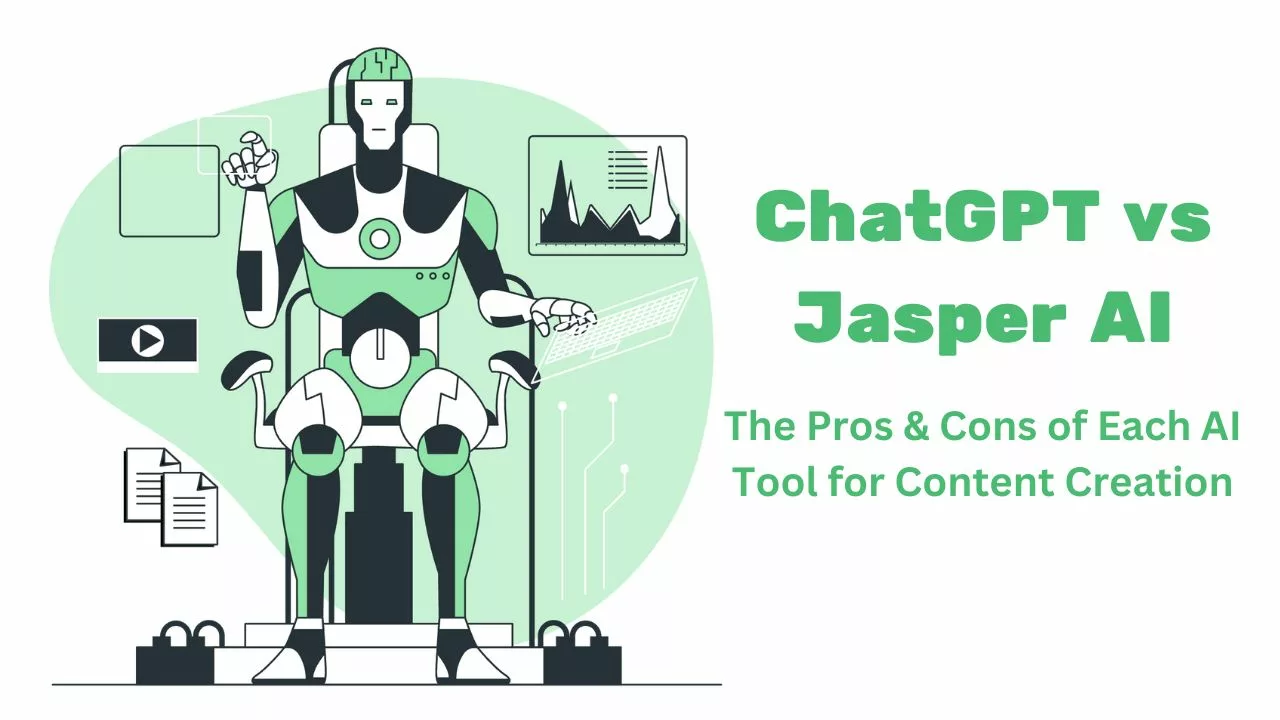
  • AI Jasper

Perfect for writers and marketers. Jasper creates social media material, blog pieces, and ad copy with remarkable ease.

  • Synthesis

Use virtual avatars to create AI-generated movies that are ideal for presentations, training, and tutorials.

  • AI Concept

enhances the Notion workspace by providing AI support for note summarization, document writing, and idea organization.

2025's Top AI Tools

2025’s Top Video Editing Programs

These video editors provide simplicity and power for content creators, filmmakers, and enthusiasts alike:

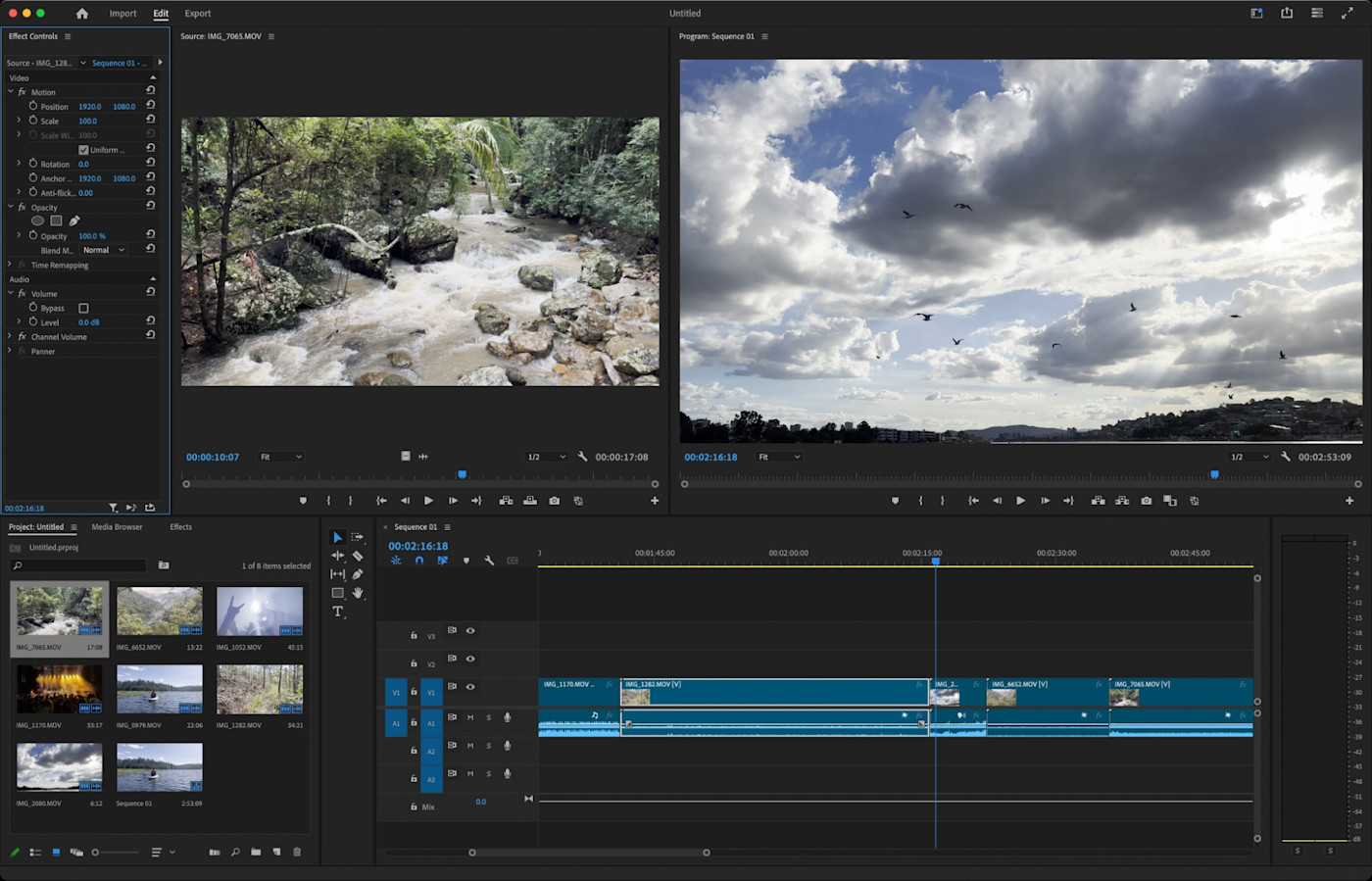
  • Premiere Pro by Adobe

An editor of expert quality with countless features and integrations. Ideal for YouTubers and filmmakers.

  • Final Cut Pro (exclusive to Mac)

For Mac users who need a smooth editing experience, Apple’s premier video editing program is lightning-fast.

  • The DaVinci Resolve

renowned for its expert workflow and premium color grading. There’s also a generously generous free version!

  • CapCut

adored by YouTube Shorts and TikTok producers. rich in features, easy to use, and compatible with desktop and mobile devices.

  • The Filmora

A great option for novices who desire a drag-and-drop interface without sacrificing functionality.

2025's Top Video Editing Programs

Concluding remarks

Selecting the appropriate software can improve your security, creativity, and productivity. These tools can help you work more efficiently and effectively whether you’re writing a book, editing a vlog, starting a business, or just planning your day.

Although technology is constantly changing, you can always stay ahead of the curve if you have the appropriate digital tools in your toolkit.

Pro Tip: Try out a few of these programs for free to determine which one best suits your routine.