
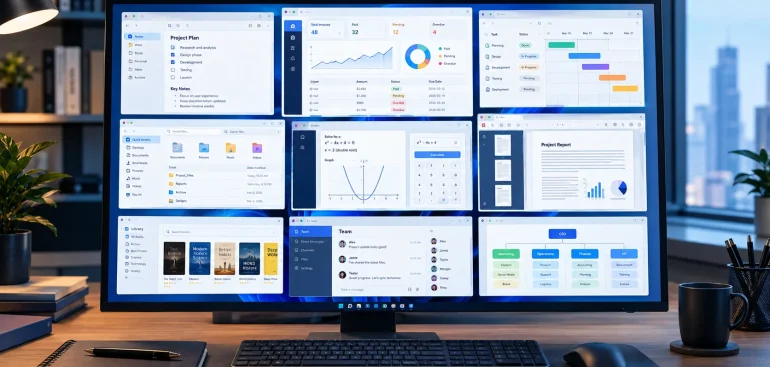
Using the best PC software makes work comfortable, fast and productive. Students, office workers, bloggers, and regular computer users can all benefit from using the best free PC software tools and applications that allow them to achieve more without spending a fortune. In 2026 there are many great free programs for writing, photo editing, security, compression, and much more.
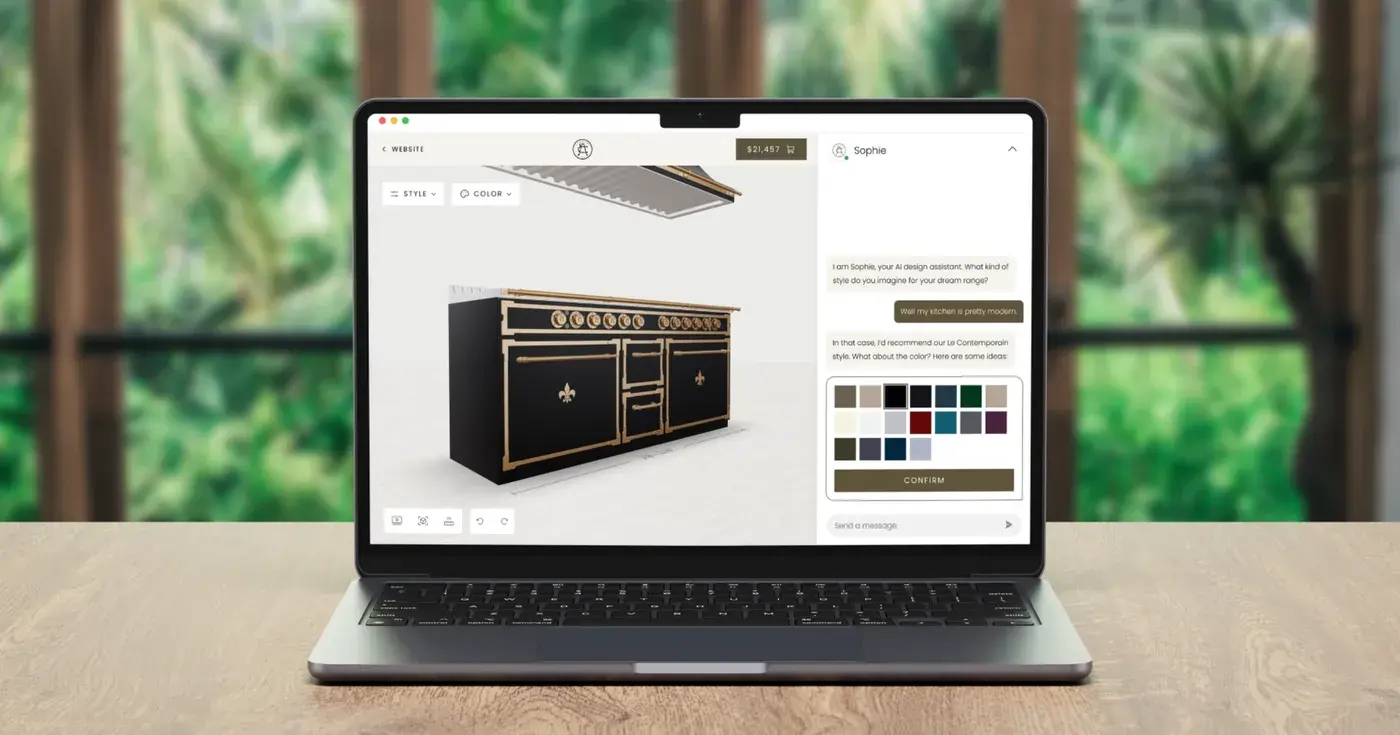
Best Free PC Software You Should Use in 2026:
1. Best Free PC Software for Documents and Office Tasks – LibreOffice:
Top free PC software for office tasks and documents is LibreOffice. It is perfect for students who need to create assignments and people who work in an office and need to make spreadsheets and presentations. This application has many helpful tools for working with documents and is ideal for people who need to work with files regularly.
2. Best Free PC Software for Movies and Music – VLC Media Player:
VLC Media Player is a great free PC software for watching movies and listening to music on a computer. It is one of the easiest programs to use because of its straightforward interface and has all the necessary tools for playing videos and audio files. This program supports almost all audio and video formats out of the box without the need to find and install specific codecs for each format.
3. Best Free PC Software for Photo Editing – GIMP:
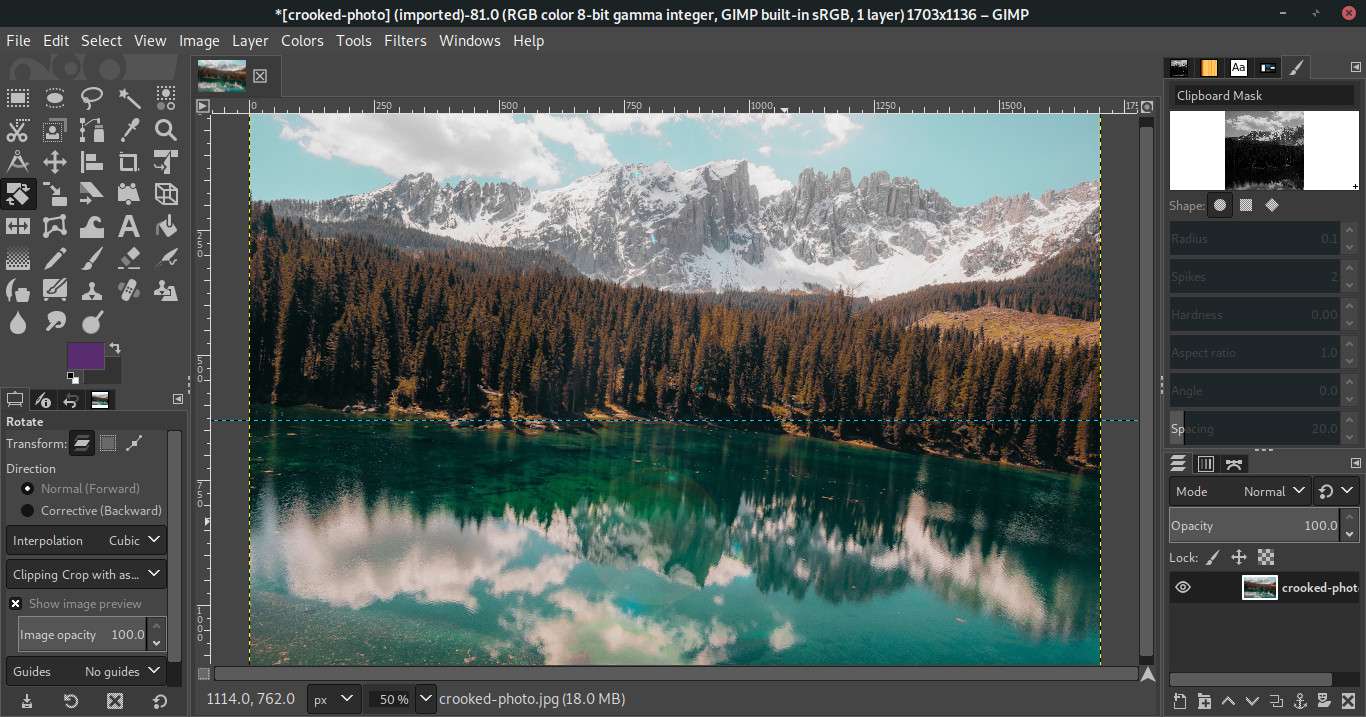
GIMP is a free photo editor that is great for beginners and advanced users. It provides all the necessary tools for cropping, editing, cutting out images using the right techniques, and changing colors. Bloggers and students can use this program to edit photos for their websites or social networks without having to spend money on premium software. GIMP is the best photo editing PC software for creating graphics for the web and social media.
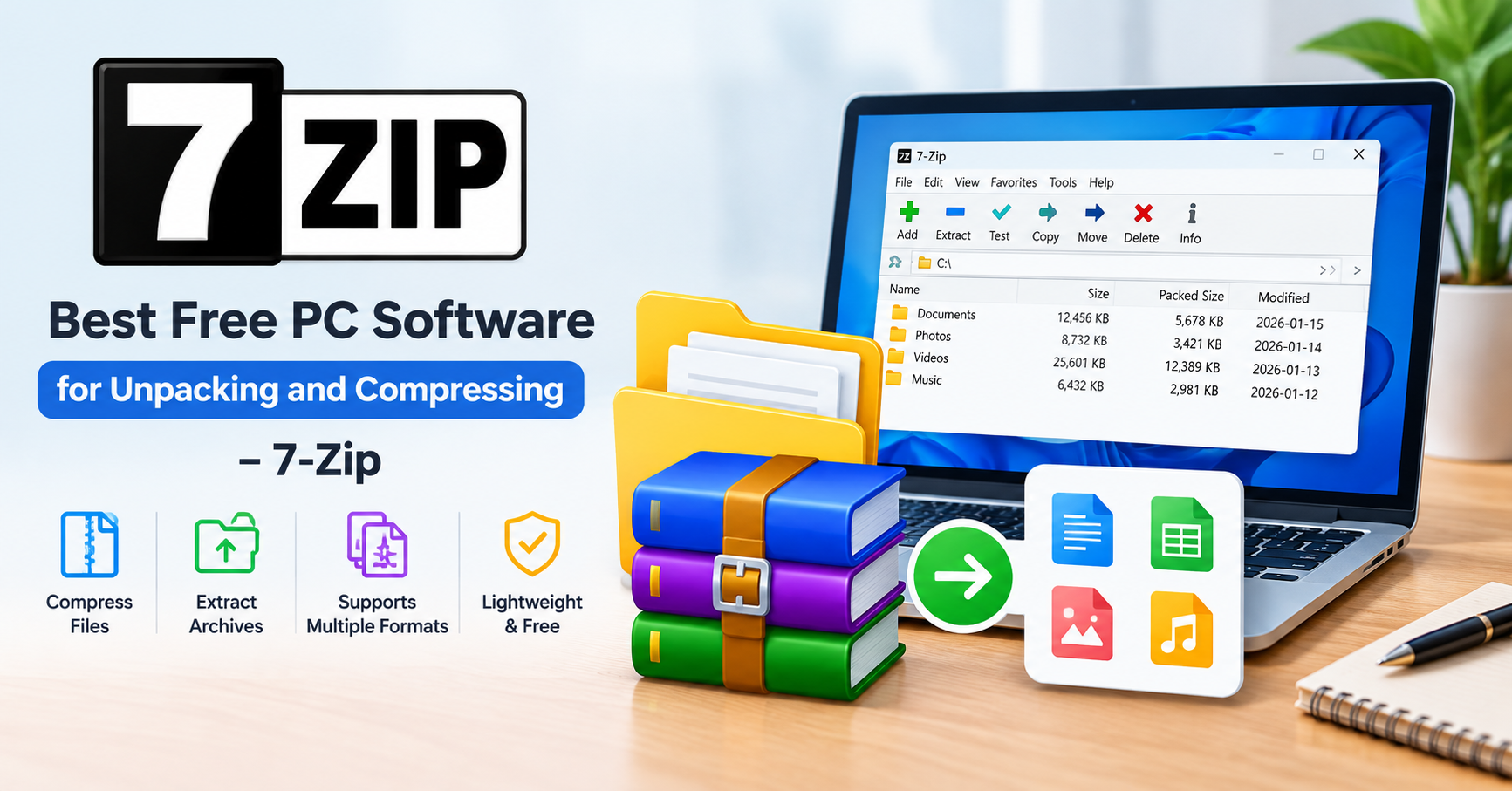
4. Best Free PC Software for Unpacking and Compressing – 7-Zip:
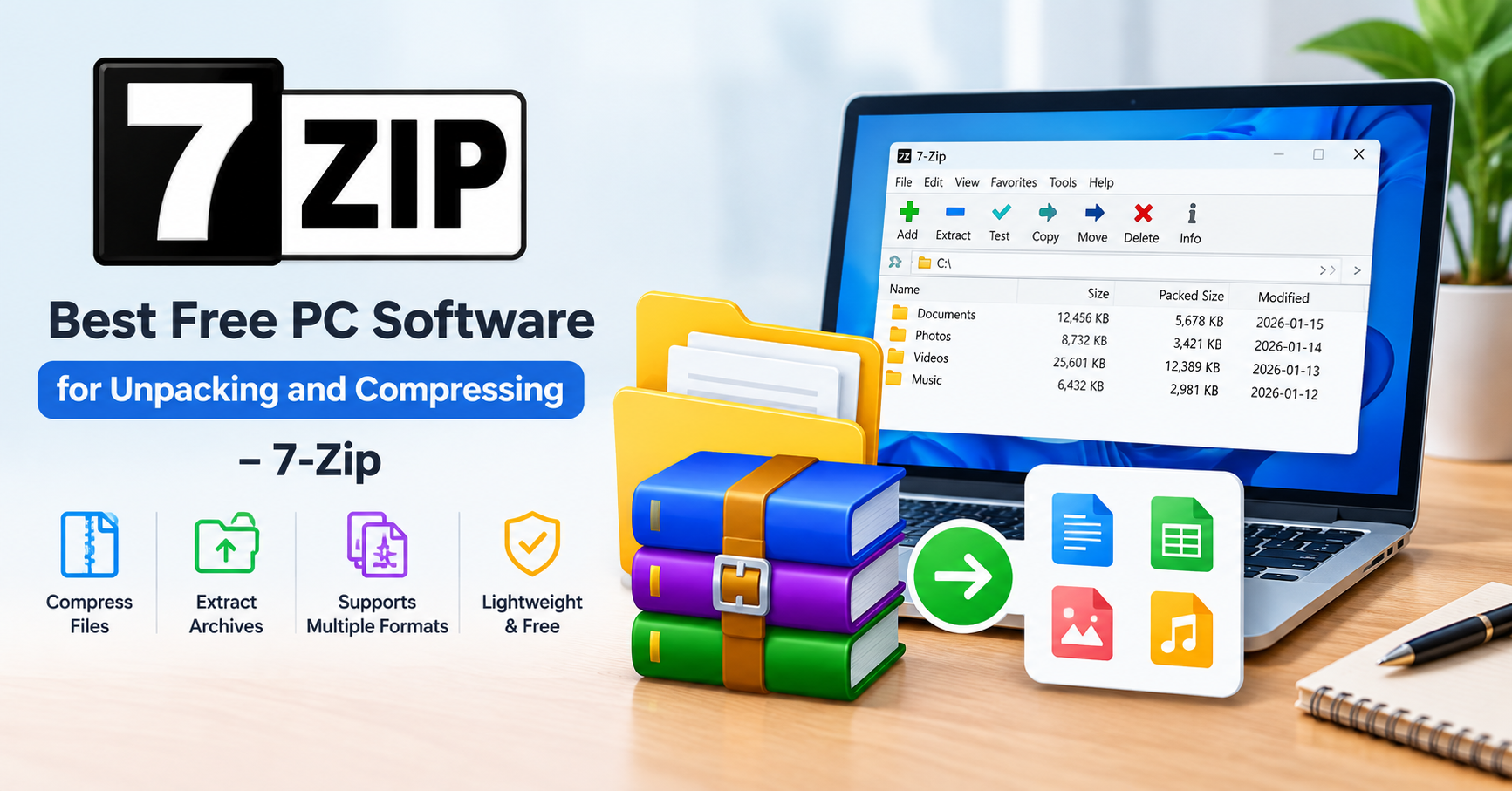
7-Zip is a free PC software application for unpacking and compressing files. It is one of the simplest programs of this type and has a decent set of built-in tools for working with compressed files. It supports many archive formats including 7z and ZIP. This application helps to manage large amounts of data by compressing them into archives of the desired format.
5. Best Free PC Software for Surfing the Web – Google Chrome:
Google Chrome is a great free program for viewing web pages, using online services and social media. The browser helps in handling many opened tabs, bookmarks, and plug-ins. The latest version of the Google Chrome should be used for security reasons and accessing secure sites only.. You can also expect great performance, especially when using extensions.
6. Best Free PC Software for Storing Passwords – Bitwarden:
Bitwarden is a free password manager designed to help you manage your passwords. You can store all your passwords in one place and have them all at your fingertips. You only need to know the master password that grants access to all other passwords. The free version of Bitwarden offers excellent security features, so it’s a great option if you want to avoid online threats. Use a strong master password and enable two-factor authentication for an added layer of security.
7. Best Free PC Software for Recording – OBS Studio:
OBS Studio is a free program for recording and live streaming. It helps to record presentations, webinars, and even play games to make videos. This application is great for making tutorials and has many helpful tools for editing recordings. The interface of this program is quite complex, so it may take some time to learn how to use all the available settings. However, you will not need to pay for the use of this PC software.
Conclusion:
The most useful PC software in 2026 will allow you to be productive, manage your passwords, manipulate files, compress and decompress files, watch films, listen to music, browse the internet, and edit images. The best free PC software is: LibreOffice, VLC Media Player, GIMP, 7-Zip, Google Chrome, Bitwarden, and OBS Studio.
To be efficient and comfortable when using the computer, you should choose the best PC software for yourself, install it on the official website, and ensure the security of your devices and information.